Logic Pro
Small things that save you minutes every session: naming and colouring tracks, the Catch function, quantising multi-track drums, and what to do when the CPU meter starts climbing.
64 articles
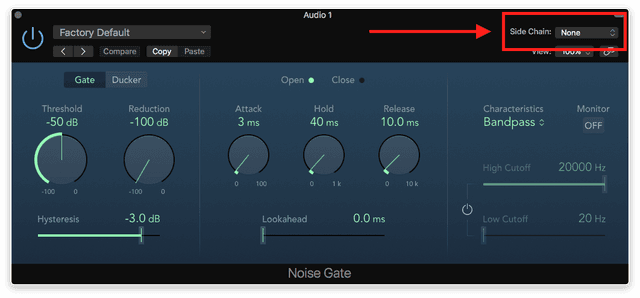
Side chain and Ducking
Here's an effect you've no doubt heard countless times- an instrument in a track (or lots of them) sounds like it's pumping in time with the beat. This is…
Read →
Glossary
Below is a glossary of terms that you will come across in your time using Logic Pro X. It's comprehensive, so you shouldn't need to look too much further!
Read →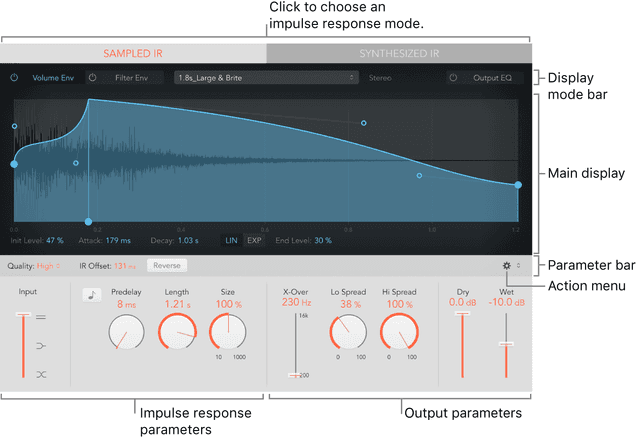
Sampling: History & Copyright Laws
When samplers first came about in the mid 1980's they truly revolutionized the way that music was made and pushed the boundaries of what could be done,…
Read →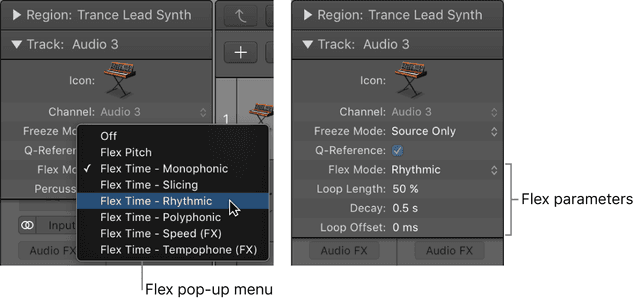
Flex Time
Though we're taken a little bit of a look at the concepts of working with and time-stretching audio files when working with samples, one of the greatest…
Read →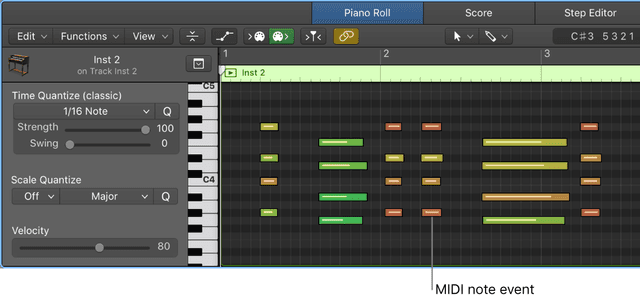
Recording Software Instruments
Before you can begin recording software instruments in Logic Pro, you should connect a music keyboard to your computer to play and record the built in…
Read →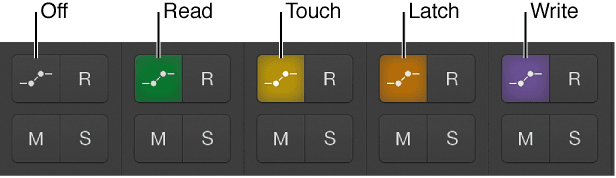
Logic Remote
A truly useful and underrated tool at your disposal if you have an iPhone or iPad handy is Logic’s remote. In my mind, this does not get talked about or…
Read →Audio FX 3
You can use reverb effects to simulate the sound of acoustic environments such as rooms, concert halls, caverns, or an open space.
Read →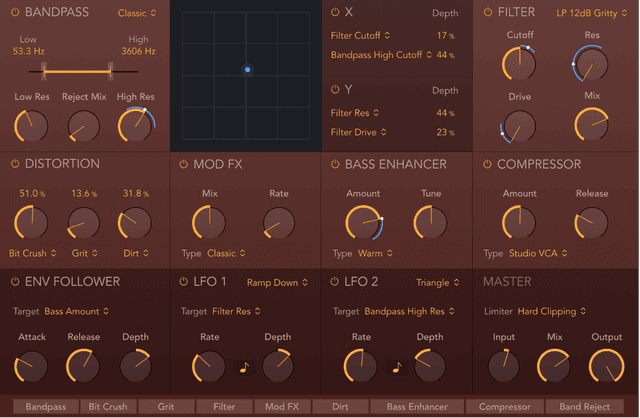
Introduction to Audio Effects in Logic
Logic Pro X provides an extensive suite of software effect plug-ins that can be used in your productions. Effects categories include both insert effects…
Read →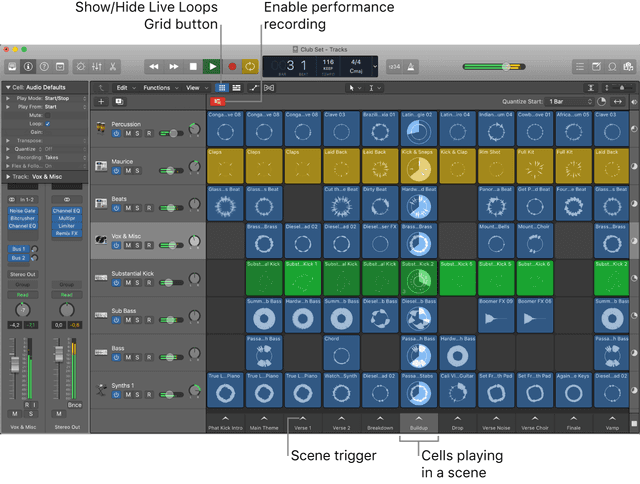
Live Loops
Live Loops lets you arrange and play with musical ideas in real time in a grid of cells, each containing a musical phrase or loop. You can start and stop…
Read →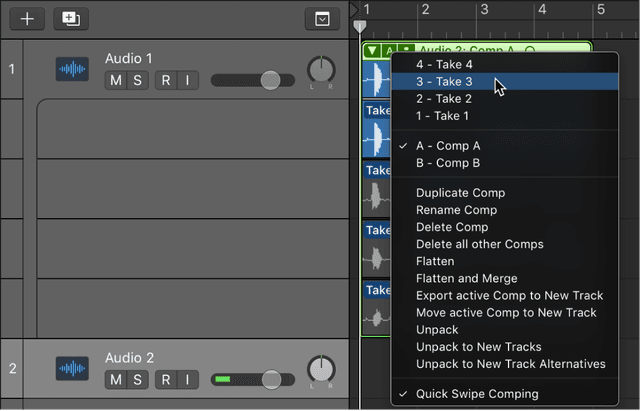
Comping
Imagine a scenario in which you have recorded multiple performances of a vocal solo over the same section of a project. You can select the best parts from…
Read →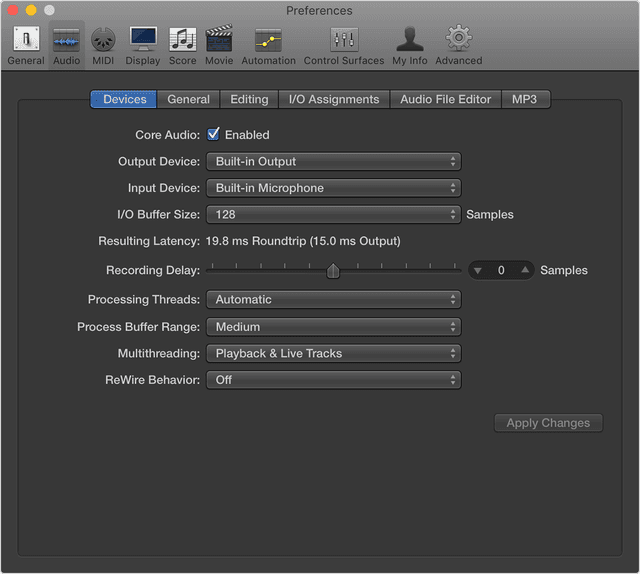
Recording Audio
One thing you're probably going to have to get familiar with in Logic is recording audio. This is obvious if you're a singer or instrumentalist, but not…
Read →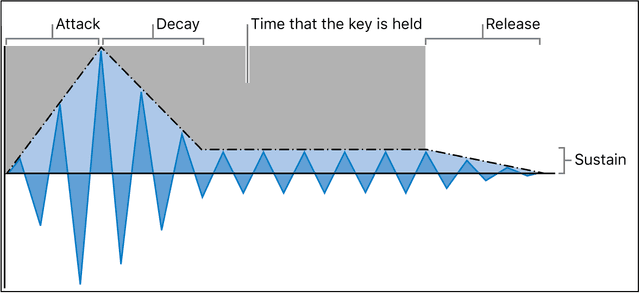
Synthesis: Introduction
In an age where processing power of computers is beyond what we could have even imagined and Plug-Ins have become unbelievable at mimimicking previous…
Read →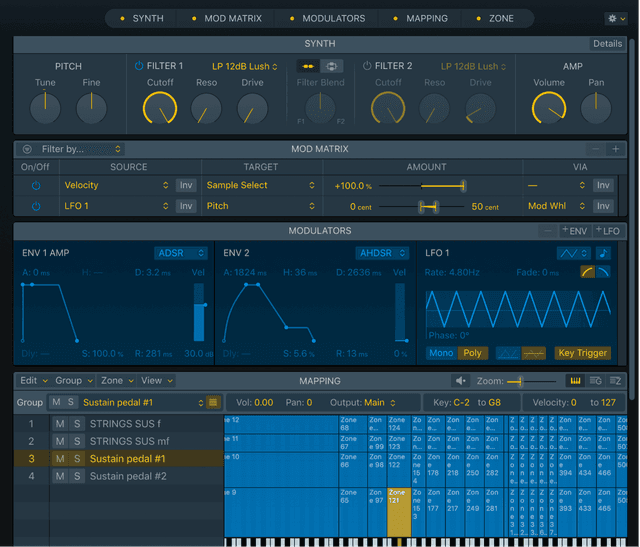
Sampling: Sampler
Sampler is a software sampler, and in essence an extended version of Quick Sampler. It plays back samples, that you load into it, but these samples are…
Read →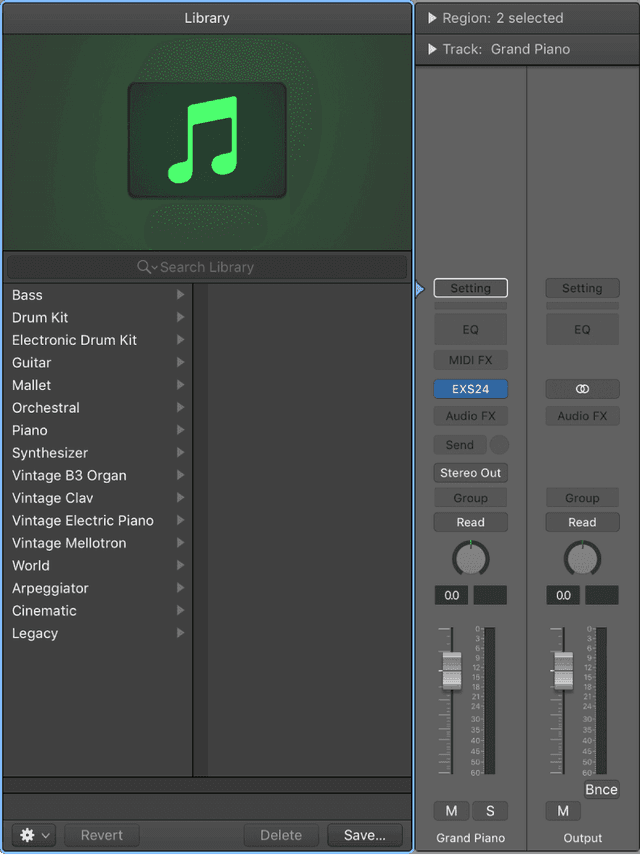
Create tracks in a project
You add tracks to a project to hold your recordings, loops, and other material. When you add a track, you can choose the track type, format, input source…
Read →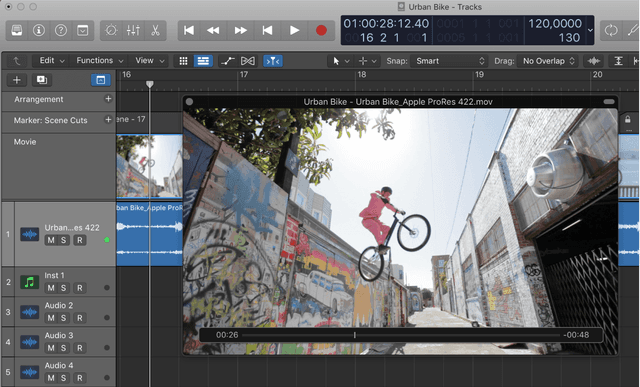
Working with Video
Logic, being the all round DAW that it is, gives you the ability to work with video files in order to compose along to. The scope of all of the reasons…
Read →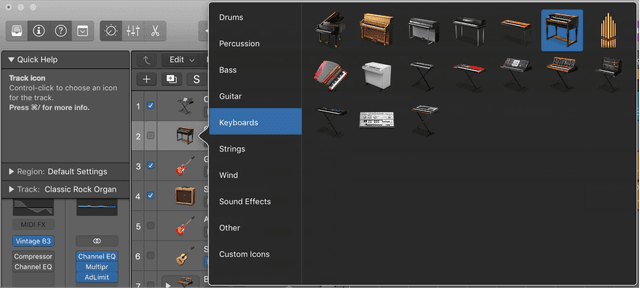
More about the Main Window
Logic Pro X has the area we looked at previously, Control Bar & Display, at the top- and under that we have the Track Header Area (which we'll explore…
Read →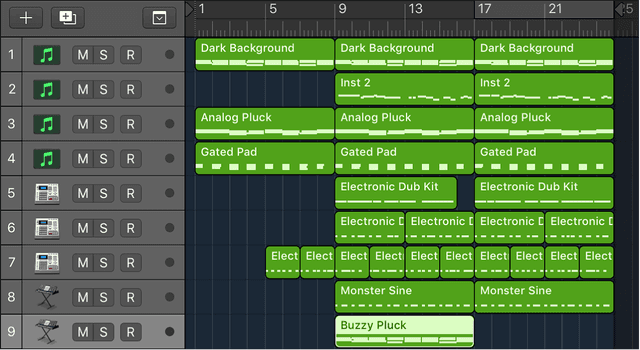
Folders and Track Stacks
As you start to gather more and more tracks and regions, organization becomes a consideration in order for you to easy navigate your session and make the…
Read →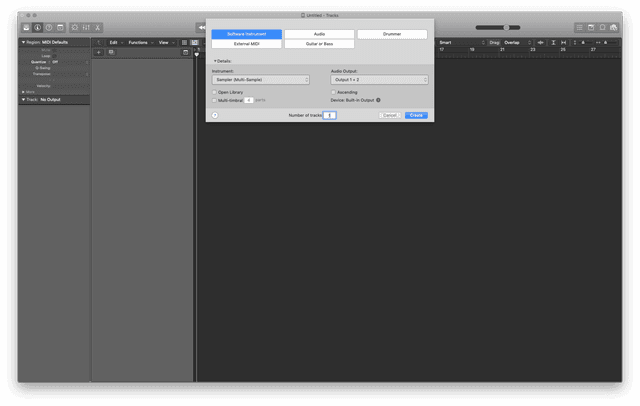
Key commands
Below is a comprehensive list of key commands in Logic Pro X. A really useful website to visit is for a visual list of key commands.
Read →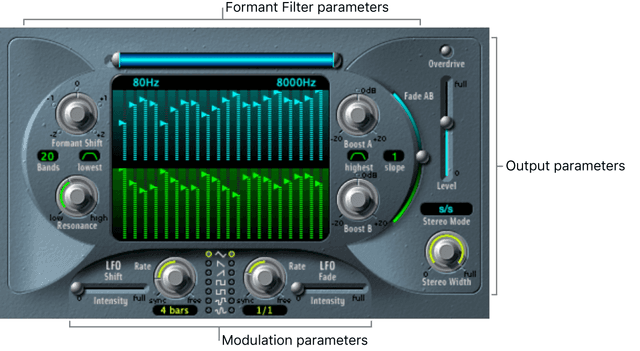
Audio FX 2
We already took a look at some audio effects that can help you get into the world of processing your sounds in order to get them sounding better, from a…
Read →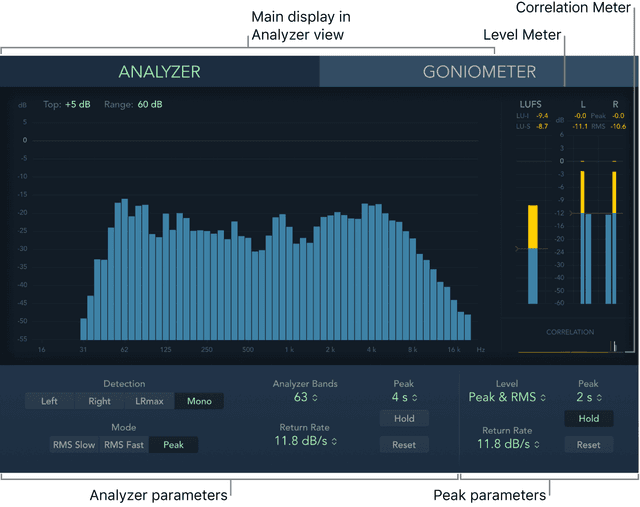
Audio FX 4
Dynamics processors control the perceived loudness of your audio, add focus and punch to tracks and projects, and optimize the sound for playback in…
Read →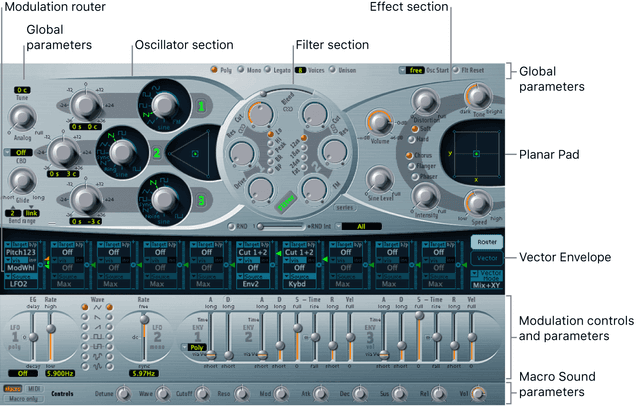
Synthesis: Logic Synths
Now we’ve taken a look at what synthesis is and how it works, it’s time to explore the library of Logic Pro X Synths. Logic provides an extensive suite of…
Read →What Is Logic Pro ?
Logic Pro X is Apple's flagship music production software. It is their Digital Audio Workstation (DAW) that allows you to do everything you need to do…
Read →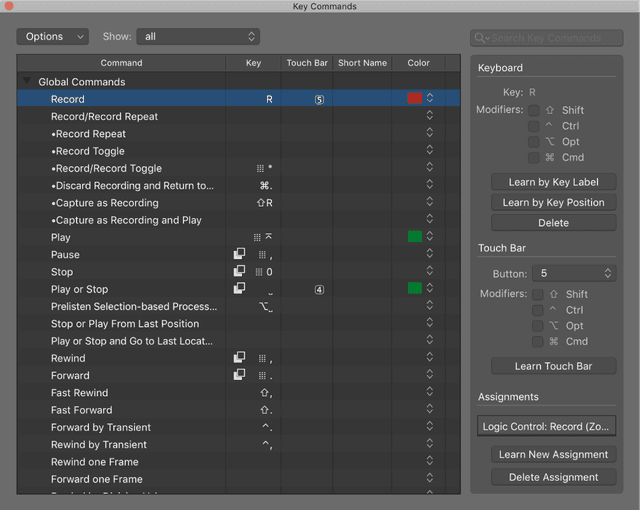
Automation
Automation is a tool that's used by many people to help static parameters develop into more dynamic ones and can really bring your sounds and productions…
Read →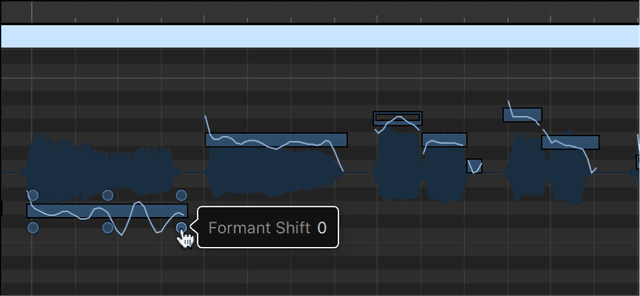
Flex Pitch, Quantizing Audio & Varispeed
Flex Pitch is a track-based setting that determines how the pitch of your audio material will be altered. The algorithm comes with two parameters, located…
Read →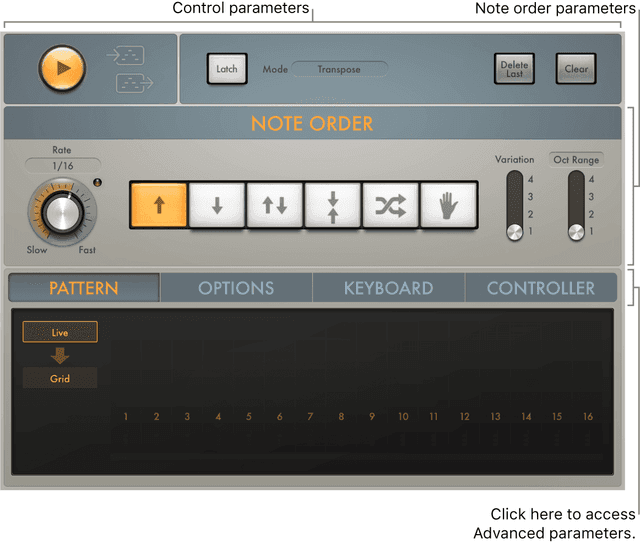
MIDI FX
MIDI stands for Musical Instrument Digital Interface and is a a means of communication between two or more suitably equipped electronic musical…
Read →
Mixing: Where to Start
To start at the beginning, always make sure the mixer is 'zeroed' before starting a new project. By that, I mean make sure the input gains are at their…
Read →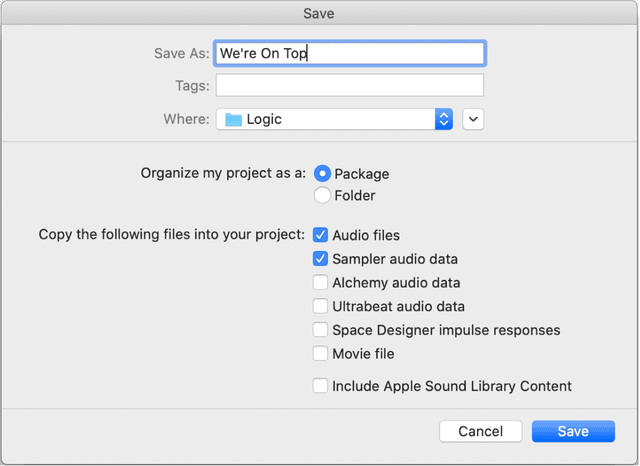
Projects- The Basics
We can begin to work in Logic Pro by creating a new project, or opening an existing one. A Project is the document that contains all your recordings, the…
Read →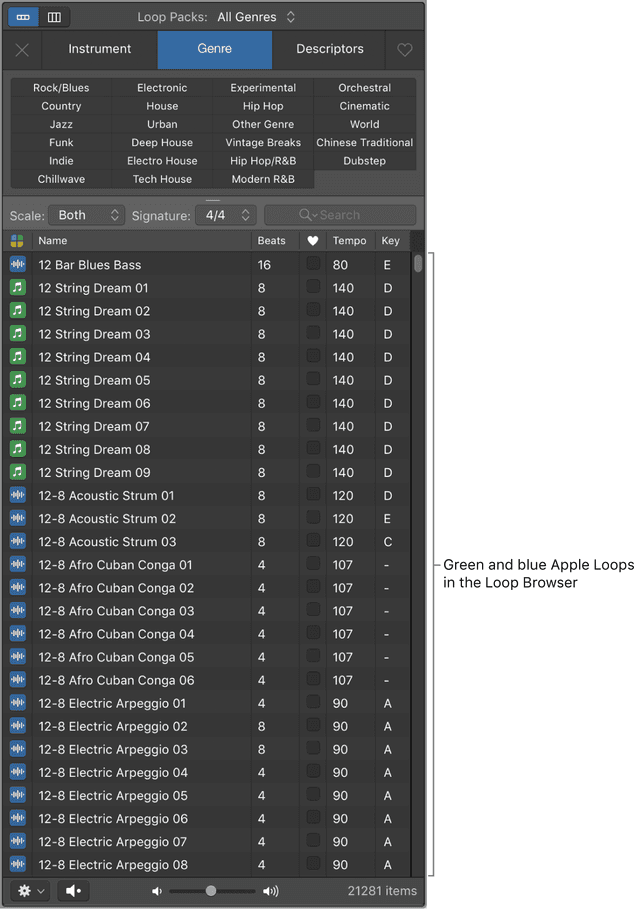
Making Beats using Apple Loops
Apple Loops are prerecorded musical patterns that you can use to quickly add drum beats, rhythm parts, and other musical phrases to a project. They…
Read →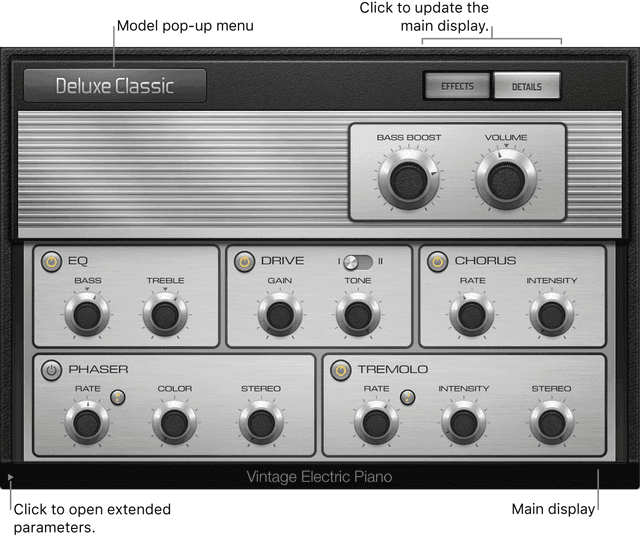
Synthesis: Logic Synths pt II
Logic’s Synthesizer collection doesn’t just have the classic “synth” type sounds, there’s much more Synthesis in Logic asides from trying to sound like a…
Read →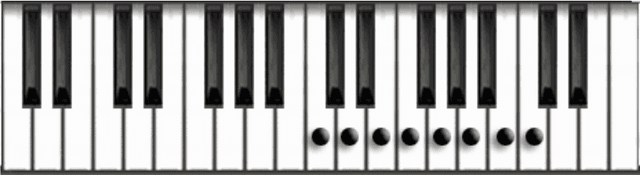
Scales, Chords, Keys and Harmony
We can define a scale as a progression of notes in an ascending or descending order. If you play the note C on a keyboard, and ascend through the next…
Read →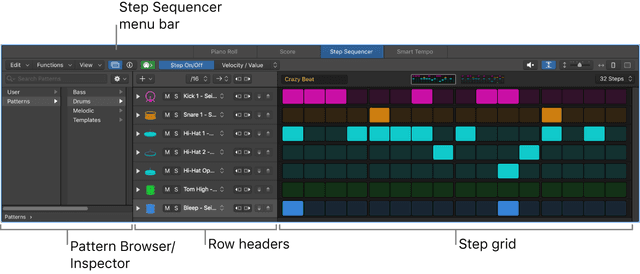
Making Beats In Step Sequencer
The Step Sequencer in Logic is inspired by classic hardware step sequencers that have rows of configurable switches or knobs used to generate repeating…
Read →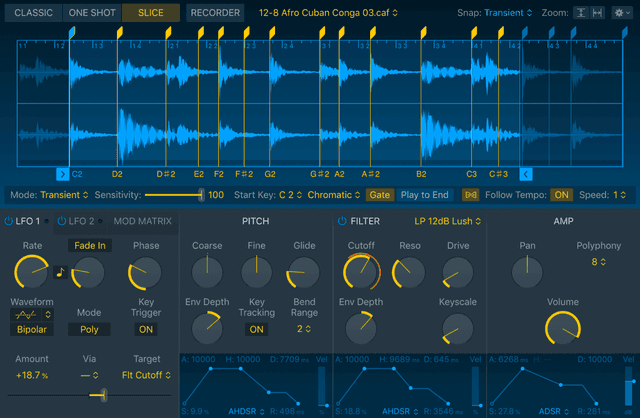
Sampling: Quick Sampler
Quick Sampler lets you quickly create sampler instruments consisting of a single audio file. You can load any audio file, including Apple Loops, into…
Read →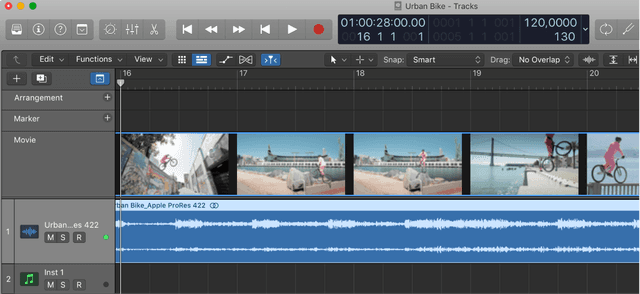
Arrangement, Global Tracks and Sharing
As your productions/compositions grow, you're likely to want to move things around and change things on a bigger scale instead of just having the same…
Read →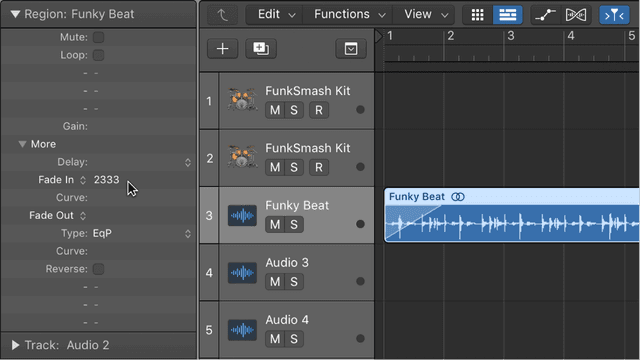
Editing Audio & Managing Projects
It's a good idea to get familiar with some of the editing you might encounter when working with audio. Editing audio is done in part by some of the…
Read →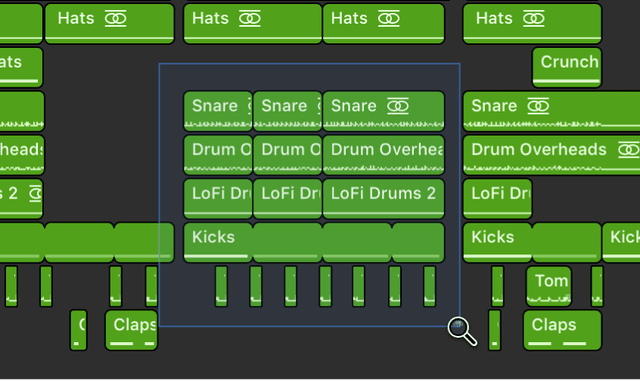
Playback and Navigation
You can play back the project at any time to hear your latest composition. You control playback and navigate the project using the playhead, the ruler,…
Read →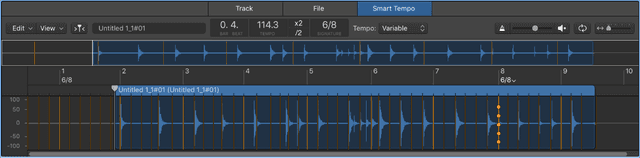
Sampling in Logic Pro X
As of version 10.5.1, Logic have revamped their long standing flagship sampler EXS24 to bring a variety of requested and overdue features that make many…
Read →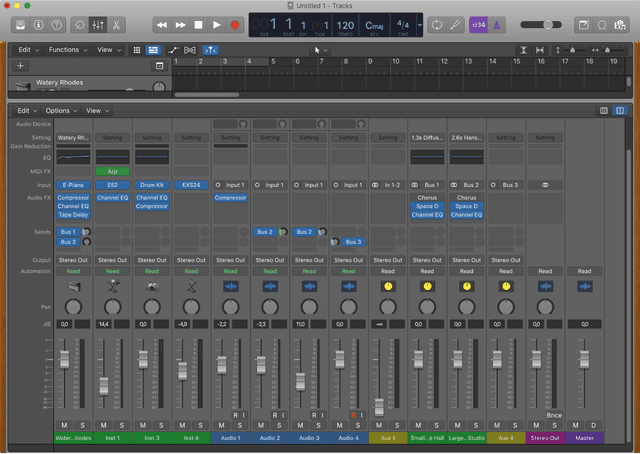
Intro to Mixing
Mixing a project involves balancing the different parts of the project and blending them into a cohesive whole. Most of this is managed in the Mixer view,…
Read →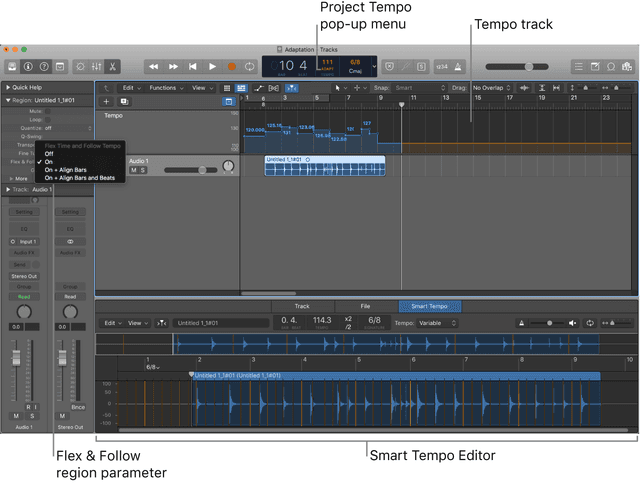
Recording: Smart Tempo & Track Alternatives
We’ve already seen a glimpse of how Smart Tempo brings powerful new tempo analysis and editing capabilities to Logic when working with audio/samples that…
Read →
Working with Regions
The Tracks area is where you arrange the recordings, Apple Loops, and other musical material in your project, organizing them into sections such as intro,…
Read →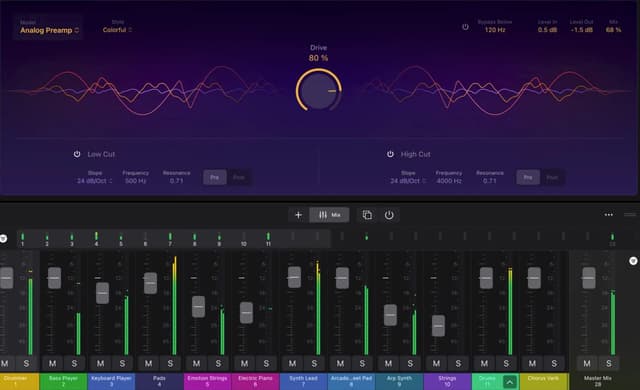
Logic Pro - Naming Tracks & Coloring Them
Keep Logic Pro sessions you can come back to: renaming tracks and regions with key commands, and colour-coding them into a system that scales.
Read →
Logic Pro - Play, Record, Repeat
Transport shortcuts every Logic Pro user should know - Solo tool, Play From Selection, Go to Position, Record Repeat and discarding a bad take.
Read →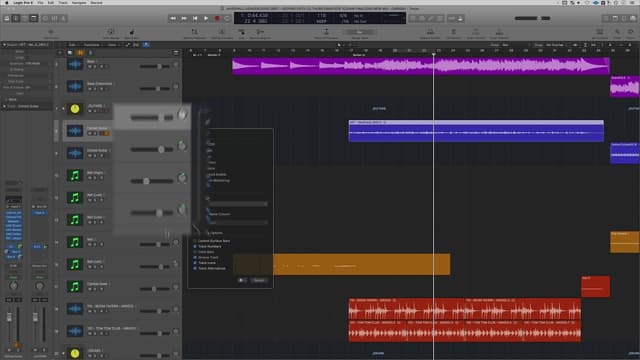
Logic Pro - 5 Things You Can Do To Save CPU (Part II)
Five more ways to cut CPU load in Logic Pro - display settings, background apps, I/O buffer size, processing threads and bus sends.
Read →
Logic Pro Workflow Tips (Part II)
More Logic Pro workflow: Strip Silence, note labels in the Piano Roll, the fade click zone, and linking track and region selection together.
Read →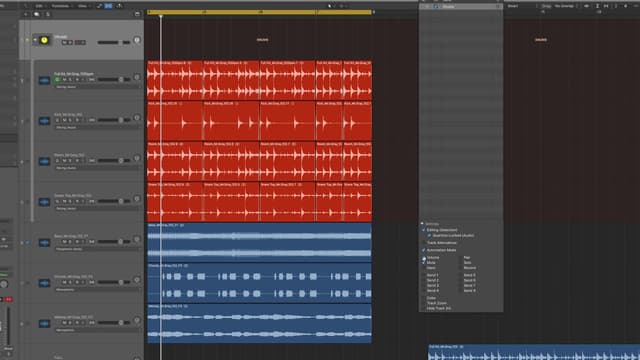
Quantizing Multi-Track Drums in Logic Pro
Use Flex Time to quantize several audio tracks at once in Logic Pro - tighten a drum kit, lock bass to drums, and clean up sloppy takes.
Read →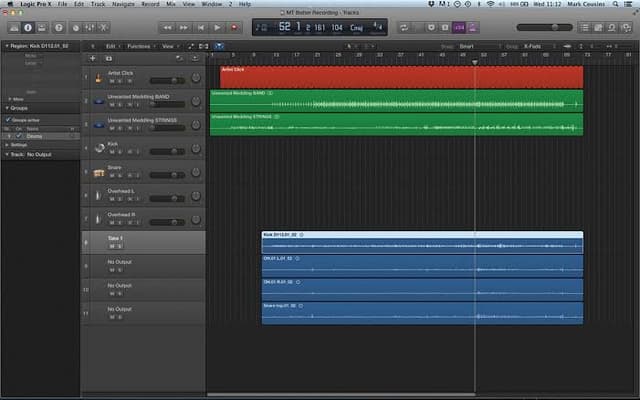
Logic Pro - Workflow Tips (Part I)
Four Logic Pro workflow habits: closing every plug-in at once, linking plug-in windows, Capture Recording, and limiting drags to one direction.
Read →
Open/Close Instrument Plug-In Window of Focused Track
Logic Pro 10.4 can open and close the instrument, audio insert and MIDI FX windows of the focused track by key command. Here's how to set it up.
Read →
How to Use The Catch Function In Logic Pro
Logic Pro's Catch function decides whether the display follows the playhead. How to toggle it, customise it, and pair it with Scroll in View.
Read →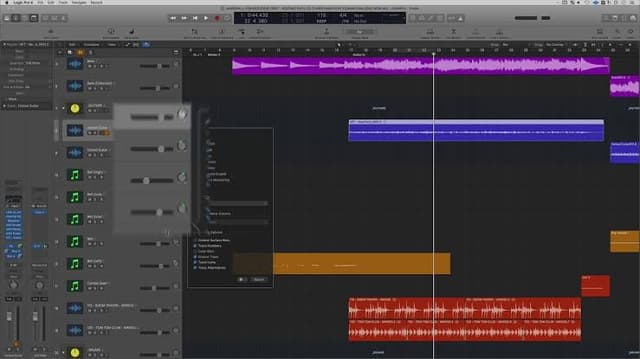
How To Save CPU in Logic Part 1
Free up CPU in Logic Pro: bypass unused plug-ins, use Selection Based Processing, and freeze or bounce tracks once you're happy with them.
Read →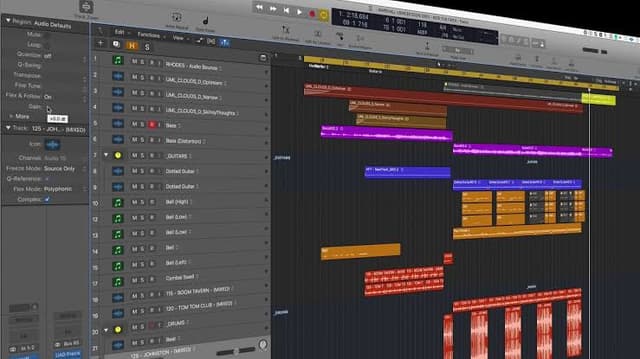
Region Inspector Float in Logic Pro
Logic Pro's Region Inspector Float edits gain, transpose, quantize, velocity and more from a floating window - without hunting through menus.
Read →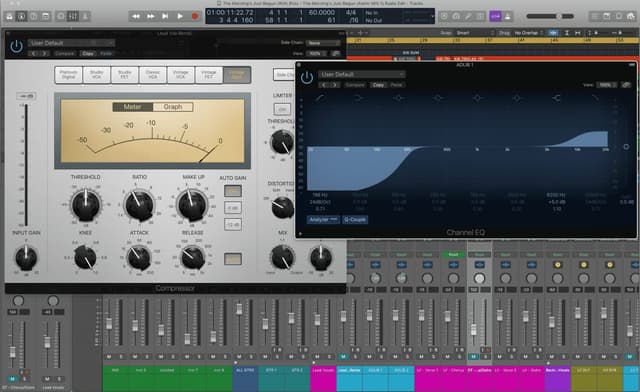
Navigation Basics for Logic Pro
A ground-up tour of the Logic Pro control bar - the Library, Inspector, Smart Controls, Mixer and Editors - with a demo project to practise on.
Read →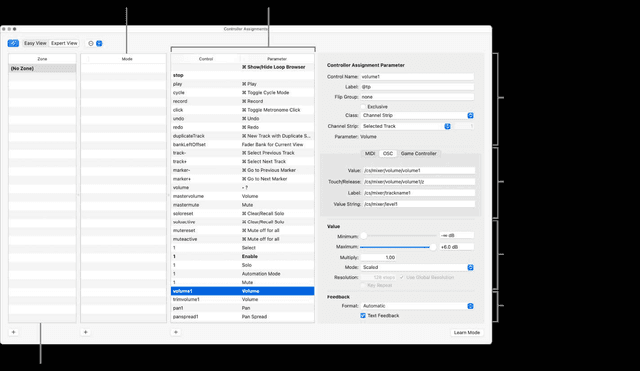
Control Surfaces and Hardware Control
Faders you can actually grab. Once you have ridden a vocal with a real fader, drawing the same move with a mouse feels like a downgrade - and Logic…
Read →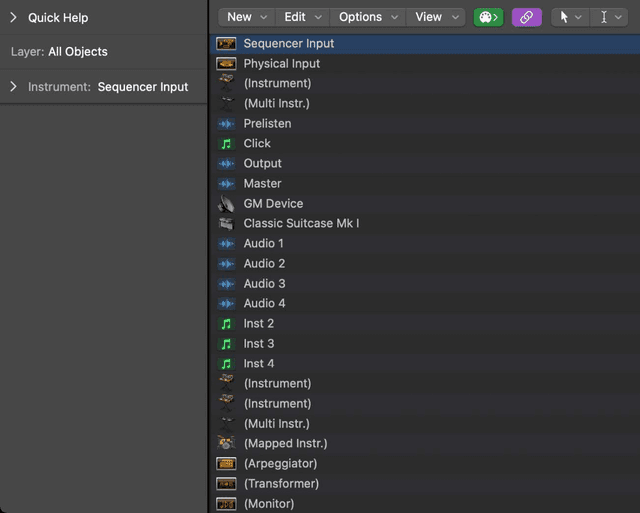
The Environment
The deepest, strangest room in Logic: a virtual wiring diagram of your entire MIDI setup, where data is patched between objects like a modular rig.…
Read →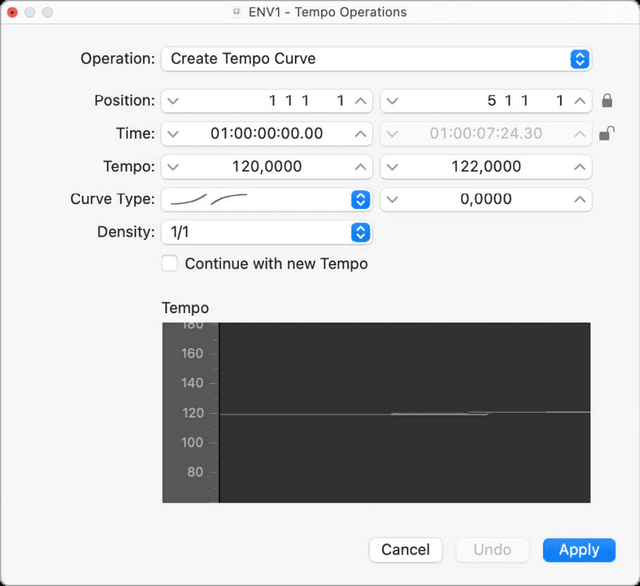
Beat Mapping and Tempo Operations
Smart Tempo covers most of what you need. This is what you use when it does not: a live take that breathes, a rubato piano part, a band recording made…
Read →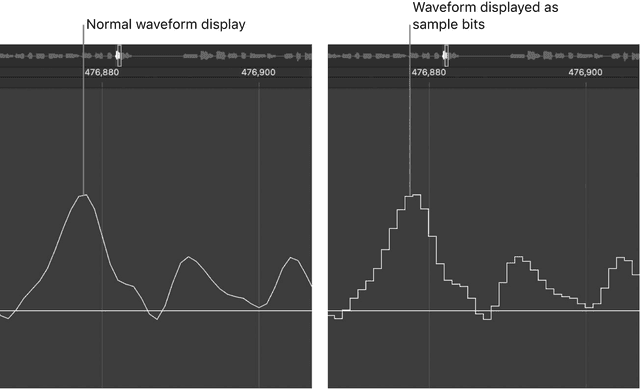
The Advanced Editors
Piano Roll handles almost everything. These four windows handle the rest - the edits that are fiddly, repetitive, or simply impossible anywhere else in…
Read →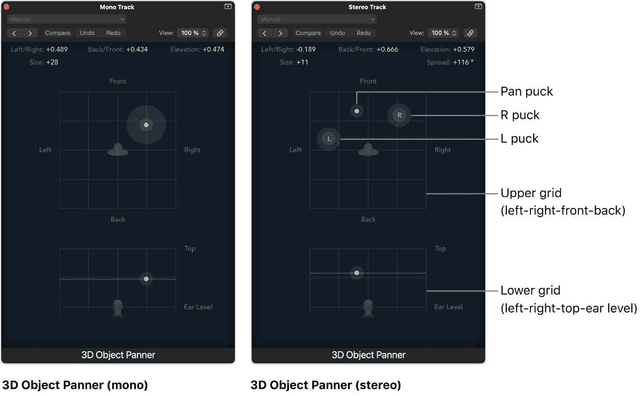
Spatial Audio and Dolby Atmos
Stereo puts a sound somewhere on a line between two speakers. Dolby Atmos puts it anywhere in a room, including above your head - and Logic has the whole…
Read →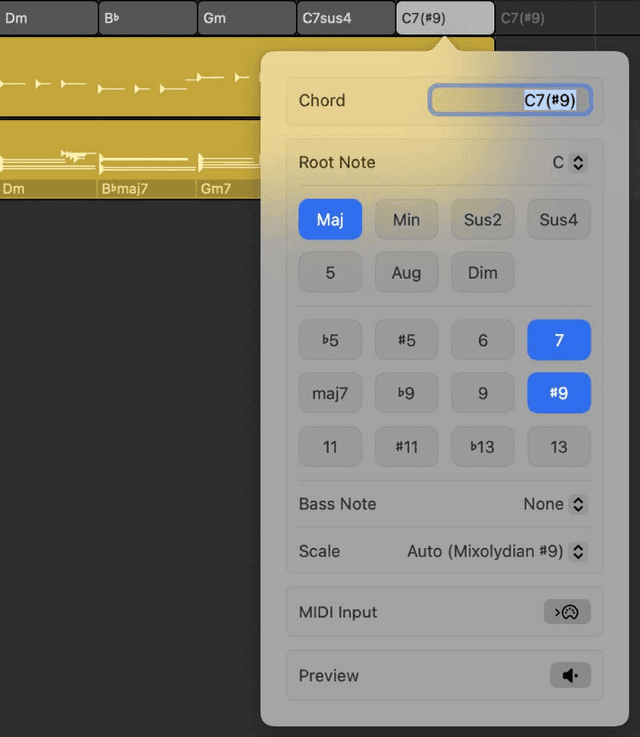
The Chord Track
One place to write the harmony of your song. Put the chords here and every Session Player in the project follows them - change a chord and the bass, the…
Read →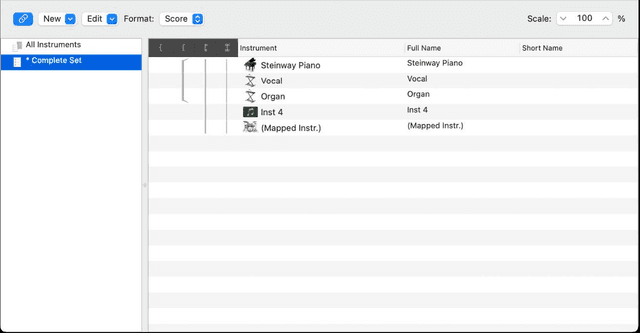
The Score Editor
Logic will engrave what you played. That is more useful to a producer than it sounds: a chart for a session player, a part for a string player who reads,…
Read →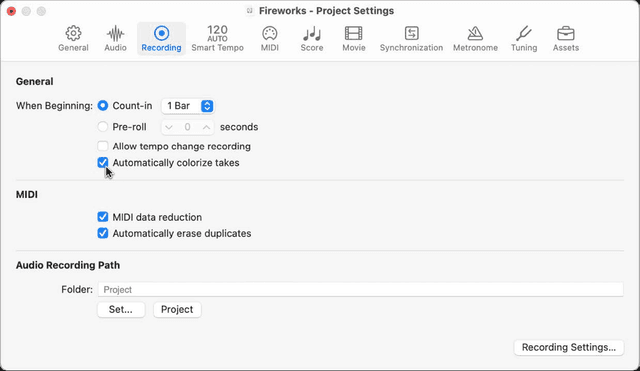
Flashback Capture
You just played the best version of that part and you were not recording. Logic was listening anyway. Flashback Capture keeps what came in recently and…
Read →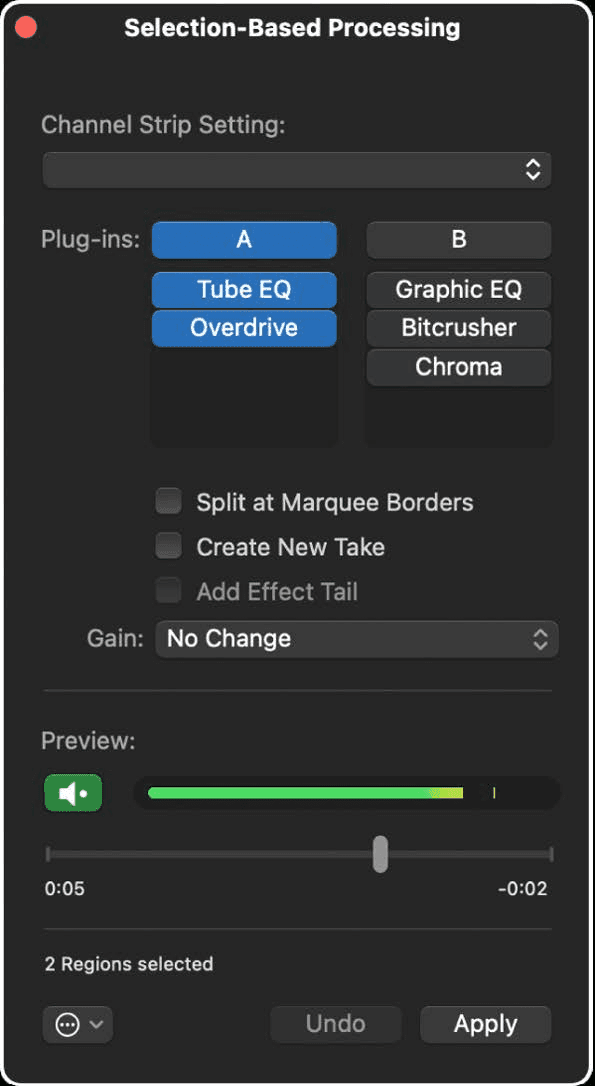
Selection-Based Processing
Print an effect onto a piece of audio instead of running it on the track. The plug-ins here have nothing to do with the channel strip - they process the…
Read →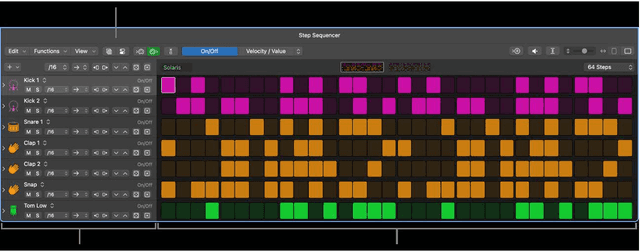
Step Sequencer: Beyond the Grid
The basics of Step Sequencer are in the Logic Pro course. Logic 12 rebuilt a great deal of it, and the parts that got rebuilt are the parts that make a…
Read →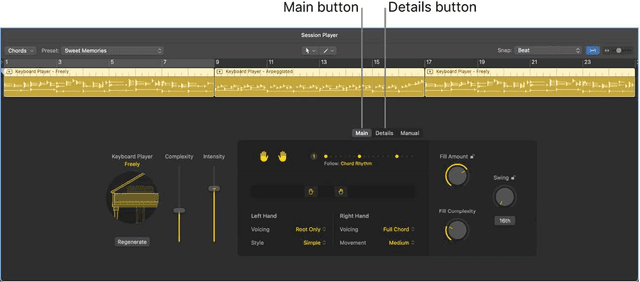
Session Players
You know Drummer. Logic now has the other two members of the band: a Bass Player and a Keyboard Player. Between them you can put a rhythm section under an…
Read →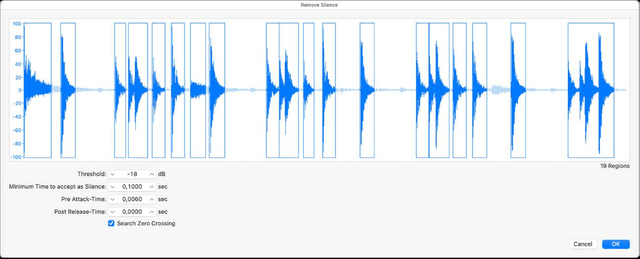
Stem Splitter
Drop a finished stereo track in and get the parts back out: vocals, drums, bass, guitar, piano, and everything else. No stems needed, no multitrack, just…
Read →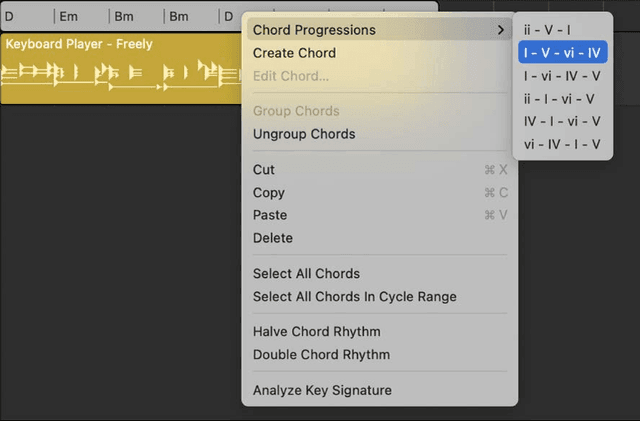
Chord ID and Region Chords
The Chord track is in the Logic Pro course. Two things go further: having Logic work out the chords from a recording, and letting one player ignore the…
Read →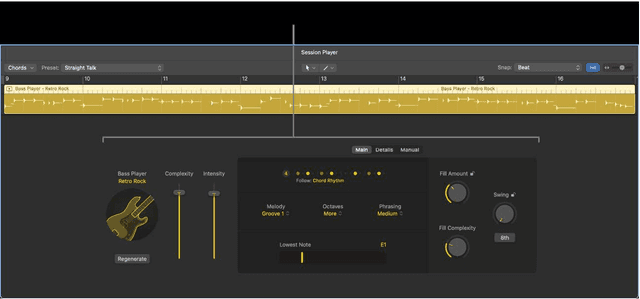
Session Players: Editing the Performance
Adding a Session Player is covered in the Logic Pro course. This is where you stop taking what you are given and start directing the player. Double-click…
Read →