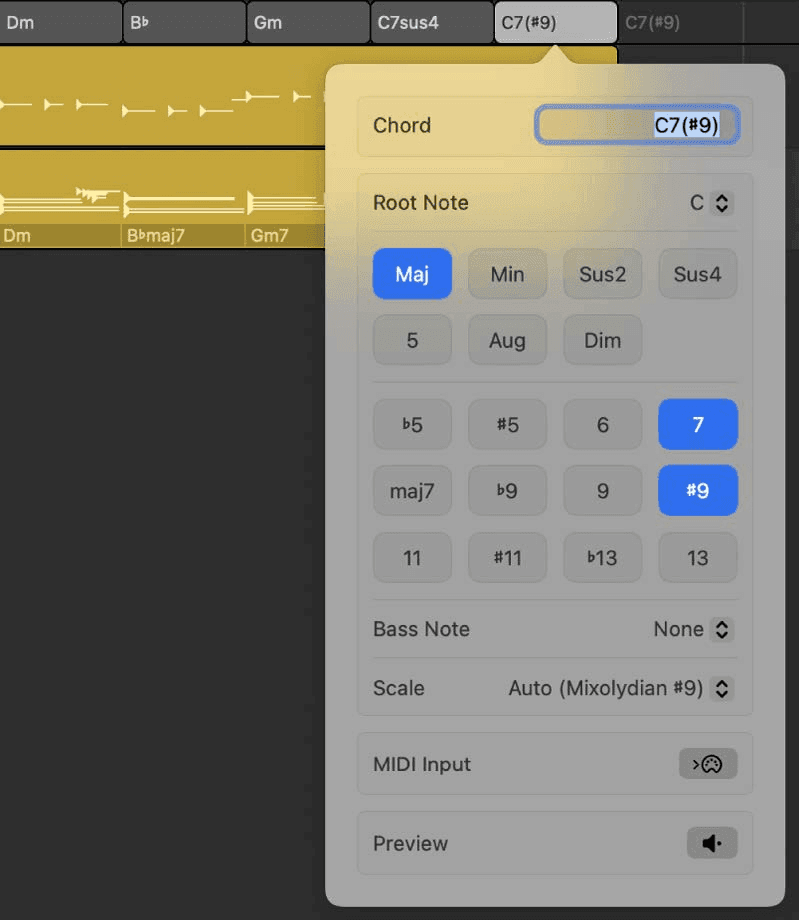
One place to write the harmony of your song. Put the chords here and every Session Player in the project follows them - change a chord and the bass, the keys and the arrangement all move with it.
Show it
- Press G, or click the Global Tracks button above the track headers.
- Control-click the global tracks header area and tick Chord.
Set the key first
New chords default to the tonic of the project key, with major or minor quality to match. Set the key before you start and Logic gives you sensible chords to edit; leave it wrong and you will correct every single one. The key lives on the Signature track, same global-tracks area.
Three ways to add a chord
- Put the playhead where you want it and click the Add Chord button in the track header.
- Control-click the Chord track and choose Create Chord.
- Click with the Pencil tool.
You get a one-bar chord. If another chord already sits within that bar, the new one fills the gap up to it rather than overwriting.
Then the useful bit: press Tab and Logic creates a chord at the start of the next bar, opening the Edit Chord window each time. Tab your way through the whole progression without touching the mouse. Leave a chord unedited and it simply extends the previous one.
Chord progressions, and what the numerals mean
Faster still: Control-click and take a whole progression from the Chord Progressions menu.
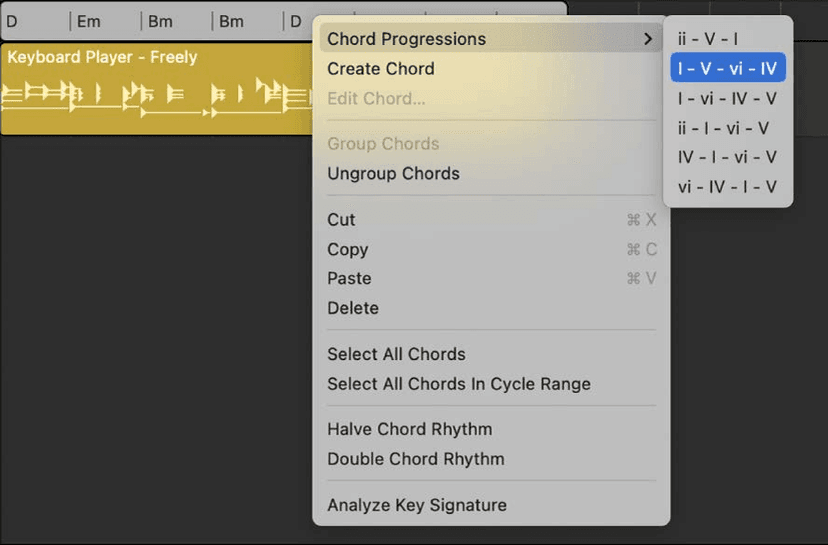
They are written in roman numerals - I, ii, IV, V - because they describe relationships, not specific chords, and adapt to whatever key you are in. Uppercase is major, lowercase is minor. So in D major, "vi" gives you B minor, the chord built on the sixth note of the scale.
That is worth internalising beyond Logic: it is how musicians talk about progressions, and why a session player can be told "one, five, six, four" and just play it.
The Edit Chord dialog
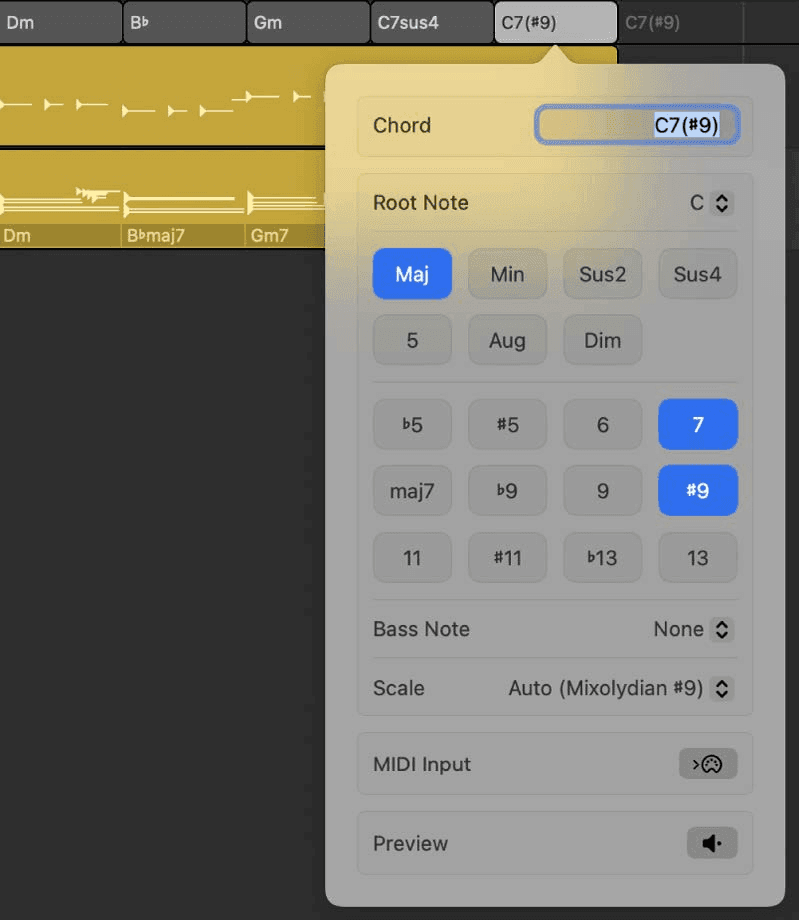
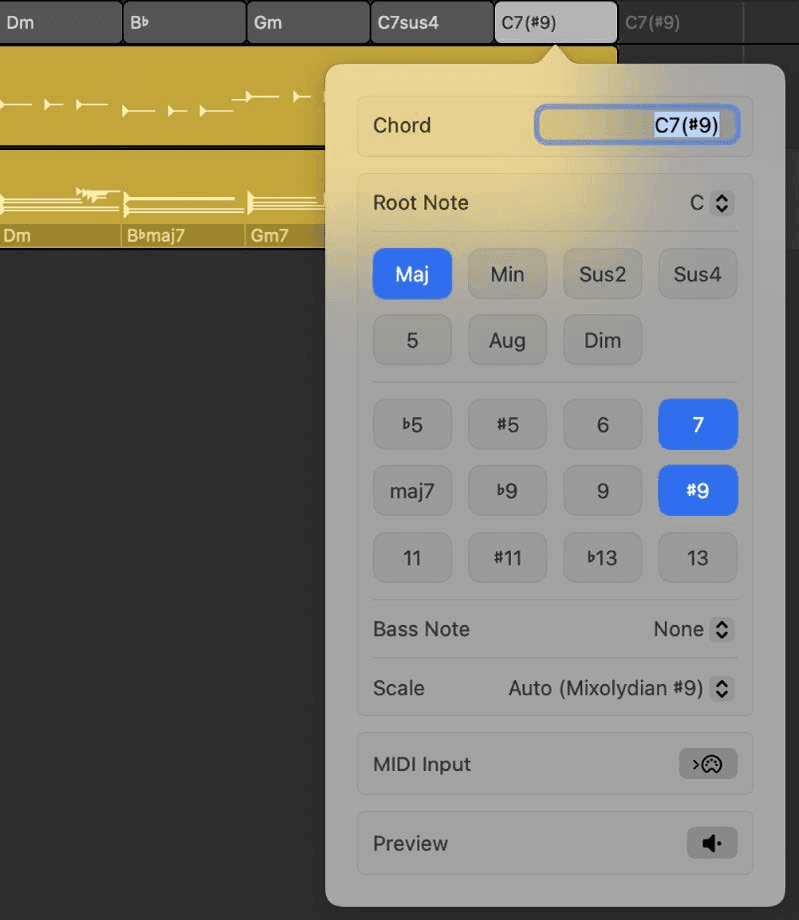
Double-click any chord to open it. Four ways in:
- Type the name - the Chord field takes the same symbols Logic displays, so "Cmaj7" or "F#m7b5" work as text.
- Root Note menu - change the root without retyping.
- An alternative bass note - which is what gives you slash chords, and what the Keyboard Player's left hand will play.
- Play it in - click the MIDI Input button and play the chord on your controller. Logic names what you played. Tab moves to the next chord with the dialog still open.
That last one is the fastest way to get a progression you can already play into a project - play it, Tab, play the next.
Chord groups
Select several chords, Control-click and choose Group Chords. The group moves, copies and loops as one object, so a four-bar turnaround can be dropped around the arrangement without re-entering it.
- Ungroup Chords breaks it apart again.
- Double-click a chord inside a group to select and edit just that one.
- A chord progression you added from the menu arrives already grouped.
Two commands worth knowing
- Halve / Double Chord Rhythm - change how fast the progression moves without retyping any of it. Two bars per chord becomes one, or vice versa.
- Analyze Key Signature - let Logic work out the key from the chords you have written and put it on the Signature track. Handy when you started writing before you decided what key you were in.

Writing with it, rather than after it
The Chord track is usually taught as somewhere to record a decision you already made. It is more useful the other way round:
- Drop a progression in before you have written anything, add a Keyboard Player and a Bass Player, and you have something playing in seconds that you can write over.
- Change one chord and listen to the whole band adapt. Swapping a vi for a IV is a two-second experiment rather than a re-recording session.
- Use Halve Chord Rhythm on a chorus to double the harmonic rate without touching the notes - an old trick for lifting a section.
- Group the verse progression and loop it across the arrangement, then ungroup only the bar you want to change.
The players are doing the playing, so the cost of trying a harmonic idea drops to almost nothing. That is the actual reason to use it.
Chords from loops
Many Apple Loops carry their own chords, and loops designed to work together share compatible ones. Drag a loop in and Logic offers to copy its chords onto the Chord track - which means you can start from a loop you like and have the Session Players fall in behind it, in the right key, immediately.
When one part needs different chords
A Session Player region can hold region chords and ignore the Chord track. That is how you get the keys playing 9ths and 13ths while the bass stays on plain triads, or a bass walking through passing notes nobody else plays.
The mechanism, plus Chord ID - which analyses an existing recording and writes the chords for you - is covered in the Production course.
Do this now
- Set the project key.
- Add a four-chord progression to the Chord track by typing the numerals rather than the names.
- Drop a Session Player underneath and watch it follow.
Writing in numerals rather than letters is what lets you transpose a whole song later without rewriting it.