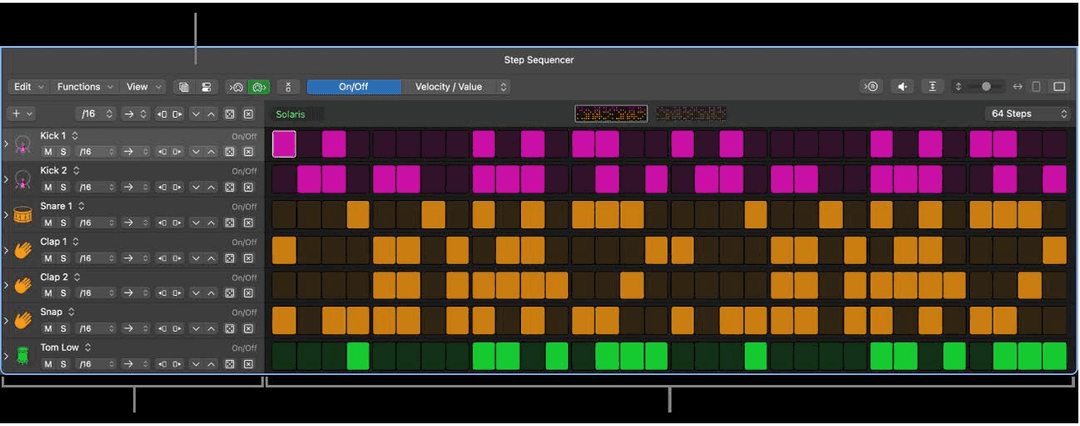
The basics of Step Sequencer are in the Logic Pro course. Logic 12 rebuilt a great deal of it, and the parts that got rebuilt are the parts that make a pattern sound played rather than programmed.
Where patterns live
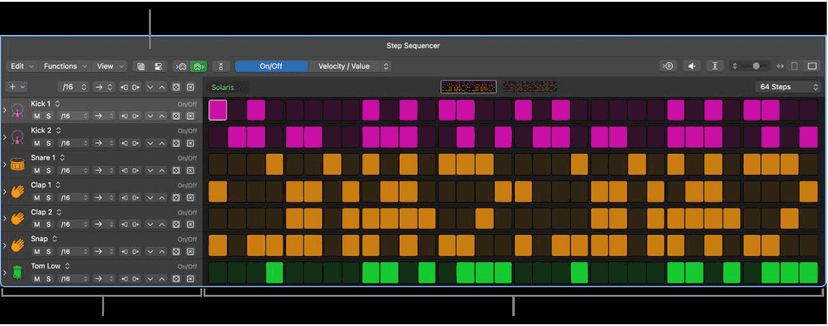
A pattern lives in a pattern region in the Tracks area, or a pattern cell in the Live Loops grid. Each one is an independent step sequencer with its own pattern, configuration and settings - a project can hold any number of them, and they copy and move like any other region or cell.
One thing people miss: pattern regions also work on audio tracks, where they sequence effect and channel strip automation rather than notes.
Two kinds of row
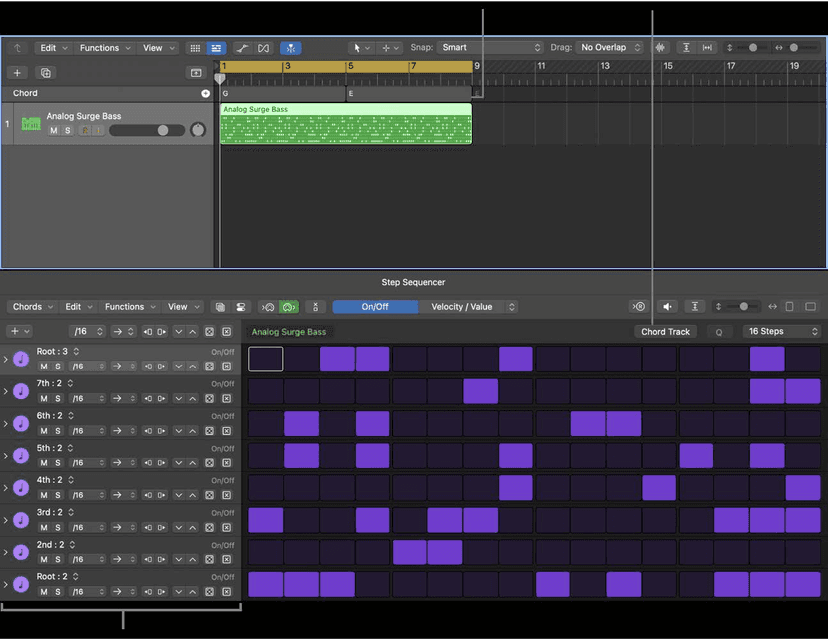
- Note rows generate MIDI notes. By default every step in a row is the same pitch, changed per step with the Note and Octave edit modes - or, following the Chord track, set to chord degrees instead.
- Automation rows sequence any automatable parameter on the channel - filter cutoff, a send, a plug-in control - per step, alongside the notes.
Automation rows are how you get movement without drawing a single curve, and they are the reason to reach for Step Sequencer over the Piano Roll even on parts you could have played.
Edit modes are the whole point
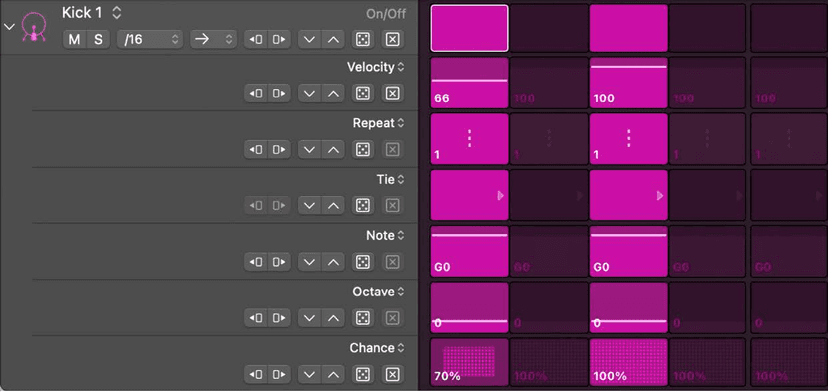
The Edit Mode selector sets what every row is editing. The ones worth your time:
- Note Repeat - drag vertically in a step for 1 to 16 repeats. Rolls, stutters, trap hats, in one gesture.
- Chance - the probability that step fires at all. The single best cure for a loop that gets boring after eight bars.
- Step Rate - per-step timing, so part of the bar runs at a different division from the rest.
- Skip - takes a step out of the cycle entirely, shifting everything after it. Changes the pattern's feel without changing its length.
- Loop and Offset - repeat and nudge sections of a row against the others.
Subrows, which is the bit that unlocks it
You are not limited to one mode at a time. Rows always match the Edit Mode selector, but a subrow can show any unused mode - so one row can display its velocities while a subrow under it shows chance, and both are editable at once.
Open them with the disclosure arrow in the row header, and add or delete them as needed. Building a hat row with velocity, chance and note repeat as three visible subrows is the point at which this stops feeling like a grid and starts feeling like an instrument.
Chord degree rows
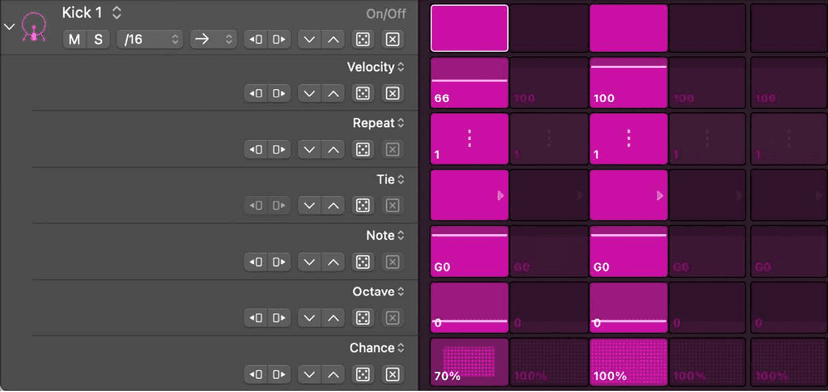
A note row does not have to be a fixed pitch. Add it as Chord Degrees and it follows the Chord track or the region chords - so the sequence transposes itself through the progression instead of sitting on one chord while the song moves underneath it.
Randomize properly
The Randomize button rolls the current edit mode only, which is more useful than it sounds: you can randomise velocities without touching which steps are on.
- The pattern button randomises the active edit mode across the whole pattern.
- The row button does the same for one row.
- Control-click either for the Randomize dialog, where you set Probability and pick the mode: probability, offset, or range. Which modes are available depends on the edit mode you are in.
On a pattern holding both note and automation rows you can randomise velocity and value separately, and scope it to all rows, note rows only, or automation rows only.
Playback modes
Set per pattern and per row: forward, reverse, and the less obvious orders. Per-row is where this earns its keep - hats forward, percussion on something else, and the loop stops repeating identically without you writing a single extra step.
The row header also carries Rotate buttons and Increment/Decrement Value buttons, which shift a whole row's timing or values in one click.
Odd time signatures
Pattern Length now covers 3/4, 4/4, 5/4 and 7/8. Look for the 5 Based and 7 Based lengths rather than trying to fake 7/8 by counting steps and hoping.
Recording into it
- Live Pattern Recording - play the part in on a controller while the pattern loops, and the steps fill in.
- Step record - enter notes one step at a time from a keyboard, which is faster than drawing for anything melodic.
Patterns and templates
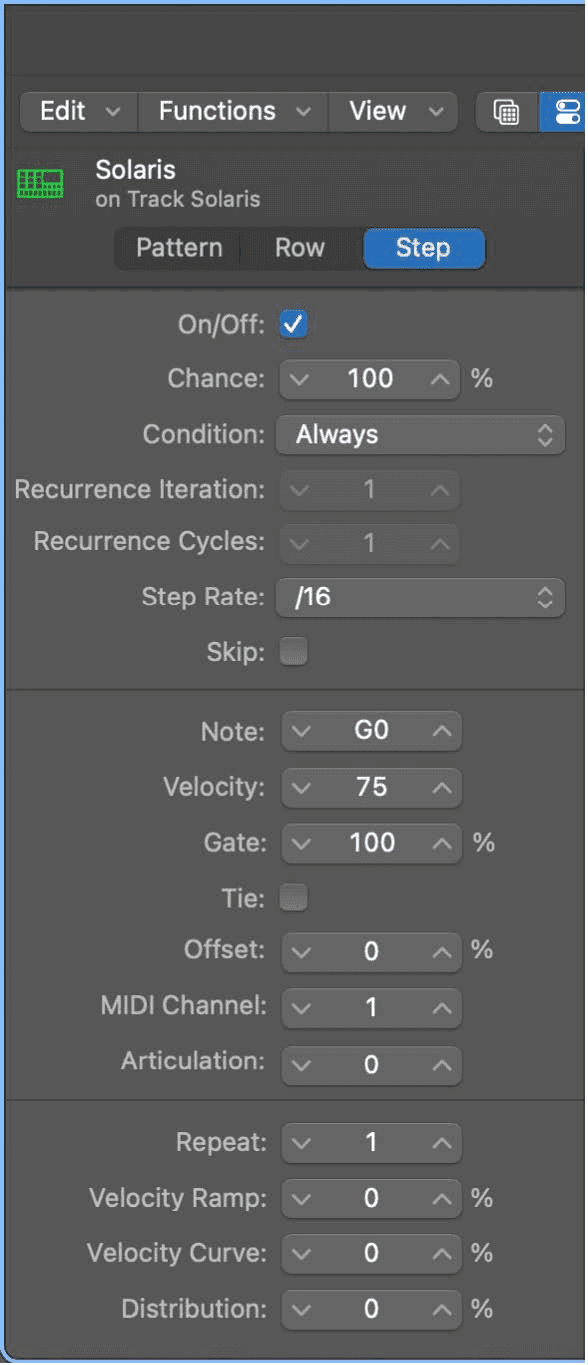
The Pattern Browser holds preset patterns and your own saved ones. The distinction worth knowing: a template stores every setting except the step values - row assignments, edit modes, subrows, playback modes, length - so you can build the sequencer layout you like once and start every new pattern from it.
All pattern, row and step settings, plus the view settings, are stored with the pattern itself.
With Drum Machine Designer
On a Drum Machine Designer track, Step Sequencer maps its rows to the kit pieces automatically, which is the fastest route from an empty project to a programmed beat that is genuinely yours rather than a loop.
Do this now
- Build a pattern where the kick row is 16 steps and the hat row is 12.
- Add a chord degree row and let it move through the key.
- Randomize one subrow, then lock the parts you liked.
Odd row lengths and a randomised subrow is how a machine pattern stops sounding like one.