Logic will engrave what you played. That is more useful to a producer than it sounds: a chart for a session player, a part for a string player who reads, a lead sheet for a co-writer, or simply seeing what you actually played rather than what you think you played.
The idea everything else hangs off
The Score Editor uses visual quantization. It changes how notes are *displayed* without moving them. You can have a readable chart and a performance that still feels human, at the same time, from the same MIDI.
The same applies to key: you can change the displayed key without transposing what plays.
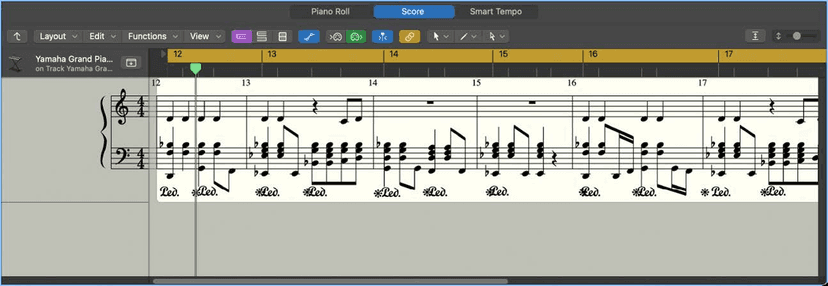
This is why a part can look wrong and sound right, and it is the first thing to check when a score comes up full of rests and ties. You are not looking at the notes - you are looking at Logic's interpretation of them, and that interpretation is adjustable.
The region parameters that control the page
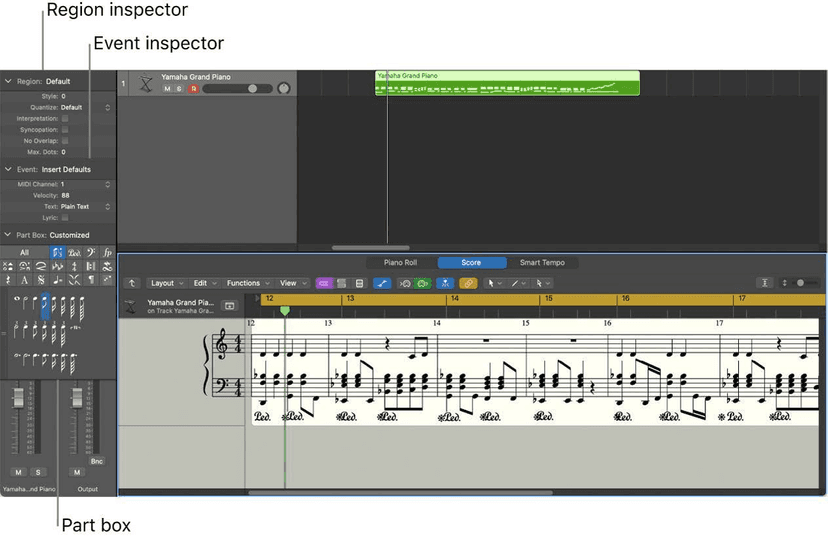
Select a region with the Score Editor in focus and the Region inspector shows score parameters. They change the display only - never the sound or the playback.

Quantize - the shortest note that can be drawn
Quantize sets the shortest note value the score will display. Set it to 8 and a 32nd note is drawn as an eighth; set it to 32 or shorter and it appears at its real length.
Single-value settings (8, 16, 128) are the minimum note value. Paired settings give you duple and triple together. The triple settings and what they mean:
- 3 - half-note triplets
- 6 - quarter-note triplets
- 12 - eighth-note triplets
- 24 - 16th-note triplets
- 48 - 32nd-note triplets
- 96 - 64th-note triplets
Important consequence: with a single-value setting, automatic triplets are not displayed at all - only triplets you inserted deliberately with an N-tuplet object. If your triplets have vanished from the page, this is why.
Interpretation
On, notes are drawn with longer values than they really have, so you do not get a page peppered with short rests - a short note on a downbeat in 4/4 becomes a quarter note. Less precise, much more readable.
Off, lengths are drawn as close to their real values as Quantize allows.
Rule of thumb: on for real-time recordings, off for anything you entered by step input or with the pointer - you already told Logic exactly what you wanted there.
Syncopation
On, each note is drawn as a single note wherever possible instead of several tied together, regardless of where it falls rhythmically. Where it cannot be, Logic uses the fewest ties it can.
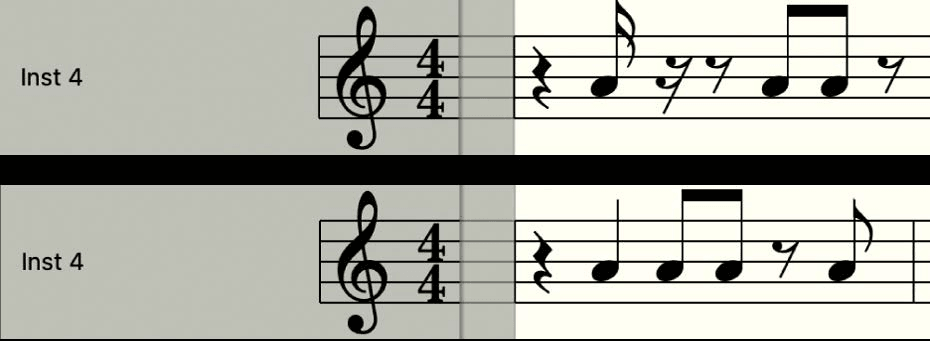
There is a genuinely obscure trick for when Syncopation does something you do not want: insert a short user rest from the Part box at the bar position where you want the tie subdivided. The rest disappears from the page but the note display changes. It only exists in the Event List afterwards. Works on any note, not just syncopated ones - and in polyphonic staff styles, the rest and the note must be on the same MIDI channel.
No Overlap
Stops overlapping notes being drawn as overlapping - a legato melody gets each displayed note shortened to where the next one starts. Notes that begin together take the length of the shortest in the chord.
Off, overlaps are drawn precisely, which is more accurate for chords and much harder to read melodically. Note that No Overlap works on monophonic staff styles only, not polyphonic ones.
All of these can also be set per note using note attributes, overriding the region setting - for the one bar that will not behave.
Adding to the page
- The Part box holds notes and every symbol: dynamics, phrase markings, articulations, repeats, clefs.
- Lyrics and text - including section markers and performance directions.
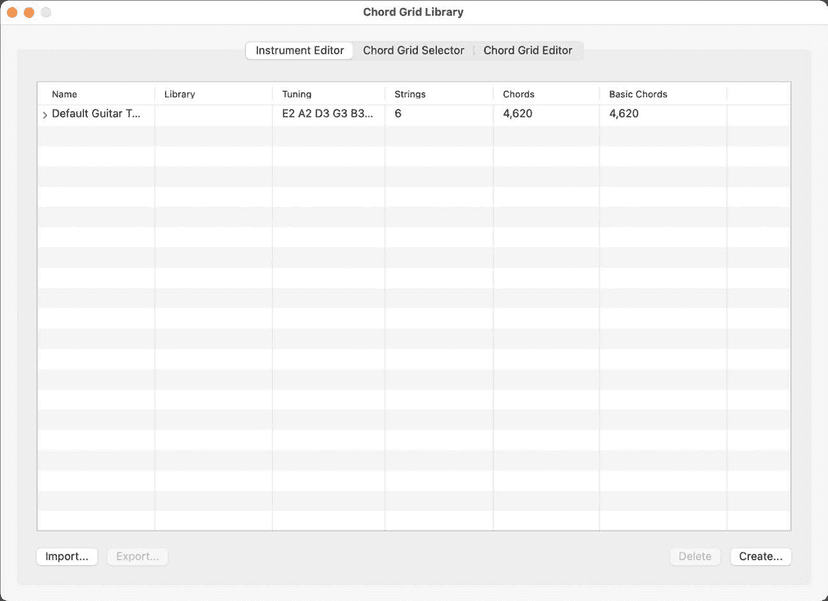
- Chord grids for guitar parts, which Logic can generate or you can draw by hand.
- Automation can be viewed and edited in the Score Editor too, which surprises people.
Staff styles
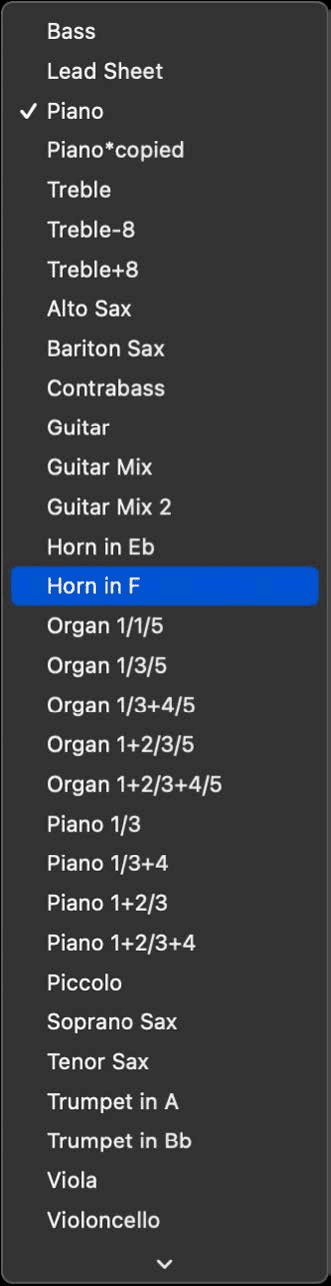
A staff style sets the clef, the transposition and how many staves an instrument gets. Logic ships them for the standard instruments, and this is where transposing instruments are handled for you - a Bb trumpet part reads correctly without you transposing a thing. Piano and organ styles give you the two- and three-stave arrangements; drums get a percussion clef and mapped note names.
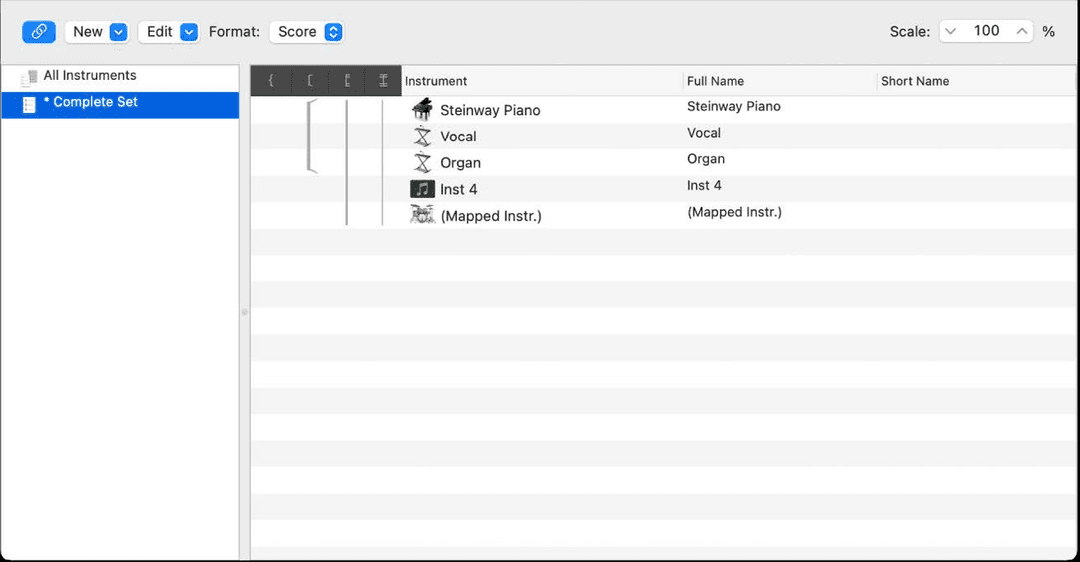
Score sets: one project, the full score and every part
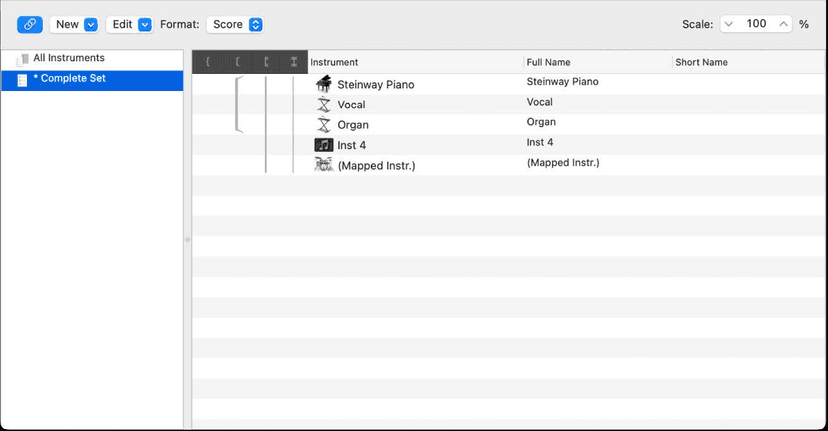
A score set controls which tracks appear in the score. Build one with everything in it for the conductor's score, and one per player for their part. Same project, different views, nothing duplicated - and you can reorder tracks within a score set independently of their order in the Tracks area.
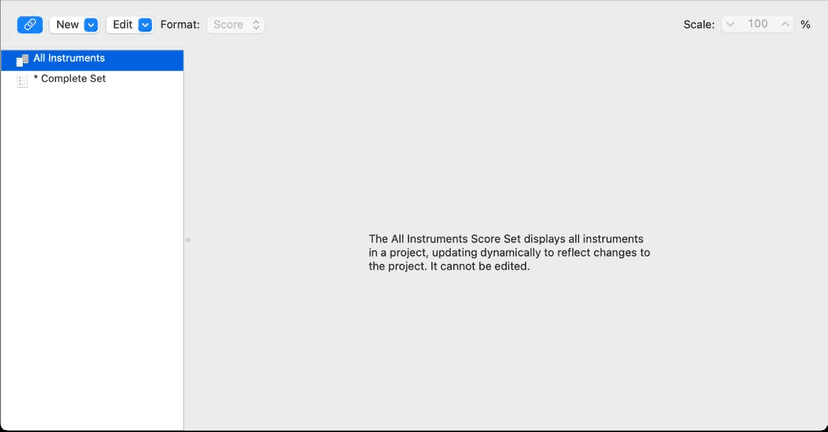
This is the feature that makes Logic genuinely usable for session work. Change a line in the MIDI and every part that shows it updates.
Getting it off the screen
You can edit the page layout, work in linear scrolling, wrapped or multi-page view, and print. For anything a musician reads off a stand, print from here and you are done.
Realistic expectations
Logic is not Sibelius or Dorico, and pretending otherwise wastes an afternoon. For a chart in a session it is more than enough, and it is already in the project with the music. For a score you intend to publish, get the notes right here and then export MIDI or MusicXML and finish the engraving in notation software built for it.