You cannot master what you cannot hear. Mastering decisions are small - half a decibel here, a gentle shelf there - so accurate monitoring matters even more than in mixing. This chapter covers the monitoring you need and the habits that keep your ears honest.
Types of studio monitor
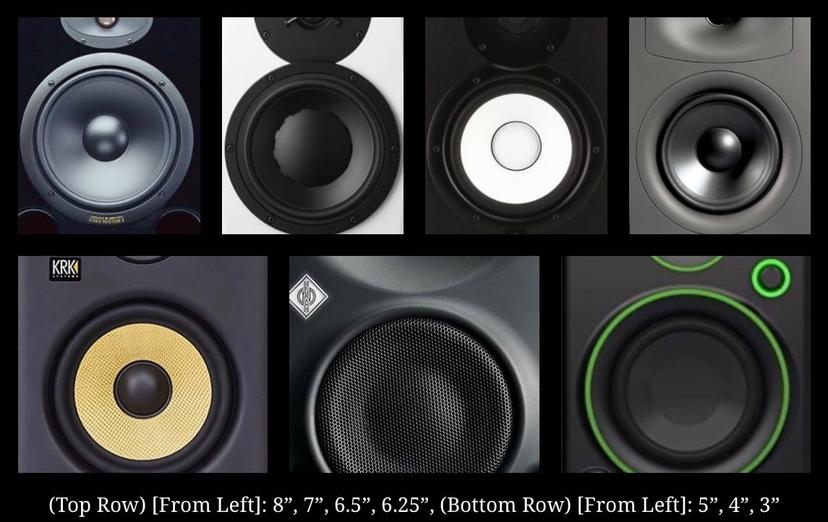
- Nearfield monitors - placed close to the listener, typically one to two metres away, so you hear mostly the speaker and relatively little of the room. The standard in home and project studios. Common woofer sizes range from about 3 to 8 inches: larger woofers reach lower and play louder, but need a room that can handle the bass.
- Midfield monitors - larger, placed further back, for bigger rooms and higher levels.
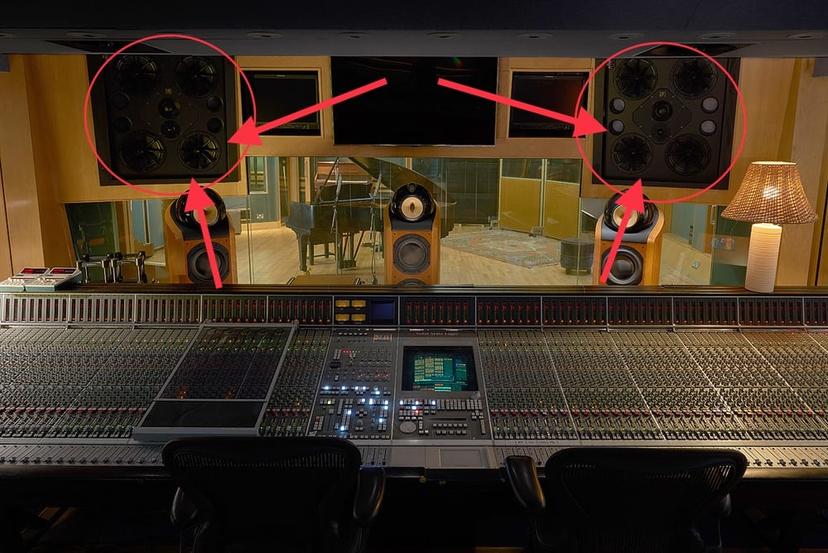
- Farfield (main) monitors - large speakers built into the walls of commercial control rooms.
- Reference (consumer) speakers - small, deliberately ordinary speakers for checking how a master translates to everyday systems.
Placement
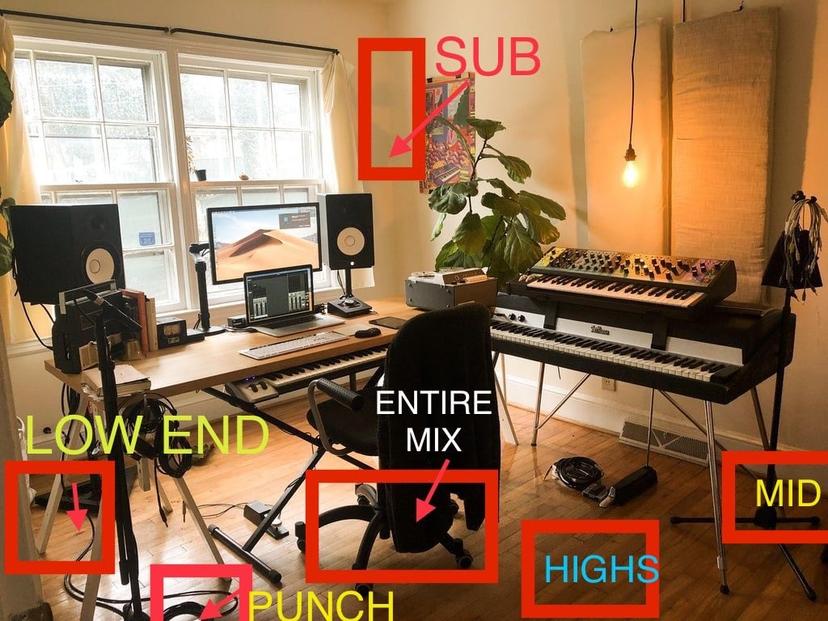
- The equilateral triangle - the two speakers and your head form a triangle with equal sides, the speakers angled towards your ears.
- Tweeters at ear height.
- Away from walls and corners, which exaggerate bass.
- Symmetry - the room should be as symmetrical as possible around the listening position.
- Decoupling - isolation pads or stands stop the speaker vibrating the desk, which muddies the low end.
The room
Most home rooms colour the sound more than the speakers do.
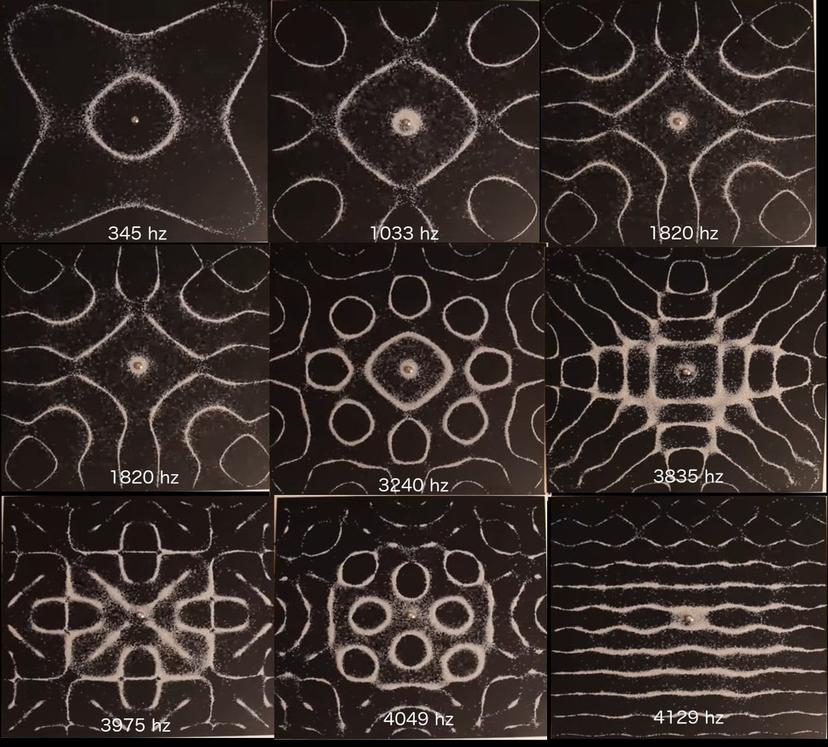
- Standing waves - low frequencies bouncing between parallel walls create peaks and dips in the bass at the listening position. Some notes boom; others nearly vanish. Moving your seat a little can change the bass dramatically.
- Reflections - early reflections from desks, side walls and the ceiling smear the stereo image.
- Treatment - bass traps in corners and absorption at the first reflection points make a bigger difference than upgrading speakers.
- Room correction - measurement-based correction software can reduce problems, but it cannot fix everything, especially reflections.
Ports and low end
Many monitors have bass ports - openings that extend the low end. Rear-ported monitors placed too close to a wall can exaggerate bass. Know where your speakers stop producing real low end: if they roll off at 50 Hz, you are guessing below it. A spectrum analyser, a good subwoofer, or headphones help you check the sub.
Headphones
High-quality headphones remove the room entirely - useful for detail, clicks, noise and sub-bass. But they exaggerate stereo width and do not reproduce how bass feels in a room. Use them as a second opinion, not the only one.
Monitoring level
- Work at a consistent, moderate level. Loud listening exaggerates bass and treble and tires your ears quickly.
- Louder always sounds better. When comparing before and after, or your master against a reference, match the levels.
- Take breaks. Ears fatigue after long sessions, and decisions get worse.
Real-world checks
Always check a master on the systems people actually use: earbuds, a phone speaker, a laptop, a car, a Bluetooth speaker, and a club or large system if the music is meant for one. Note what changes and what problems appear.
Do this now
- Measure your listening triangle and correct it.
- Play a sine sweep or a bass-heavy reference from your listening position, then move your chair 30 cm forward and back. Listen to the bass change.
- Build a check list of five real-world systems you can test every master on.
Adapted, with thanks, from the lesson notes of J.M. Brooklyn Audio Mastering.