How to create a dry wet knob for an effect that doesn't have a dedicated knob for this function.
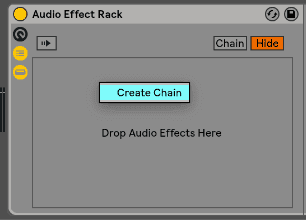
First thing we do is load an empty audio effect rack.

Then we open the chain selector, and with right-click we create two chains.


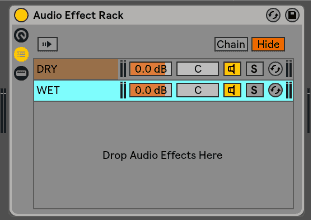
Rename the first one as dry and the second one as wet. We put the effects into the wet channel, and then we open the chain selector.
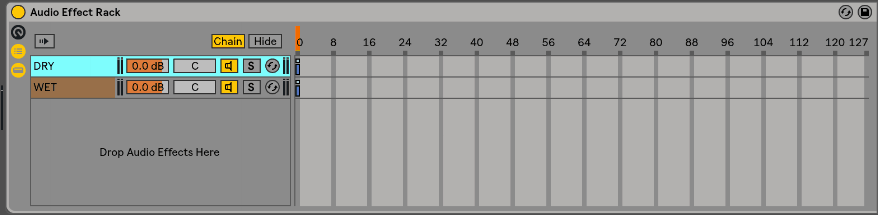
Next, we extend the chain of the dry and wet knob and adjust the fade range of each zone. The dry starting from the right and the wet starting from the left so their value increase and decrease conversely.
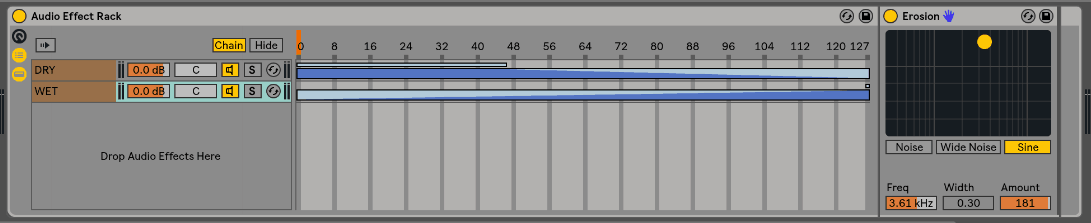
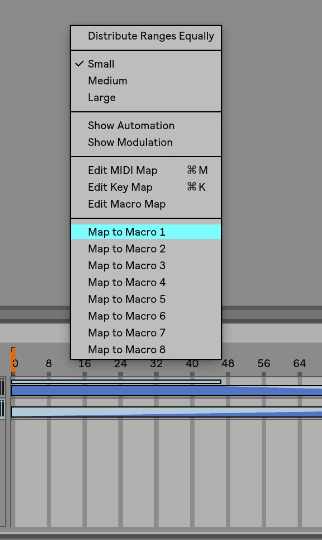
Finally, we map the chain selector to one of the macro controllers and rename that macro to dry/wet.

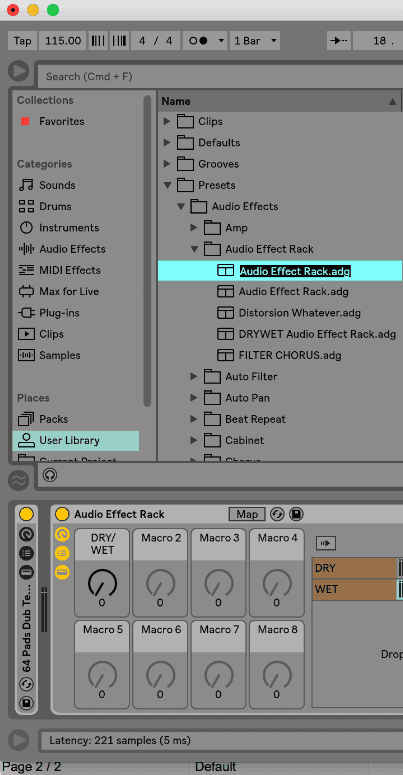
We can save this audio effect rack in our user library if we want to use in the future.
I hope you like it.