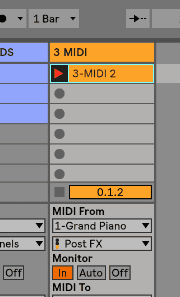
Live's Arpeggiator effect takes the individual MIDI notes from a held chord, or single note, and plays them as a rhythmical pattern. The sequence and speed of the pattern can be controlled by the device, which also provides a full complement of both classic and original arpeggiator features.
Let´s go a little further and use several arpeggiators one after the other.
Starting with a simple chord progression we add the first arpeggiator which is going to play a sequence of the notes the chords consist of. The order of the played notes is determined by the style pop-up menu.
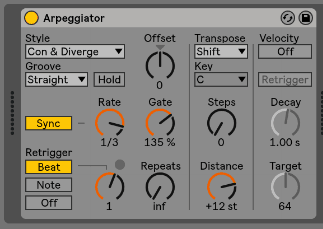
Right after, we add a second Arpeggiator which is going to arpeggiate the notes from the first Arpeggiator. A third, and so on. Arpeggiator can be stacked resulting in very unique and original note patterns.
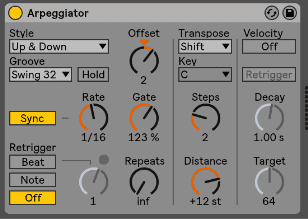
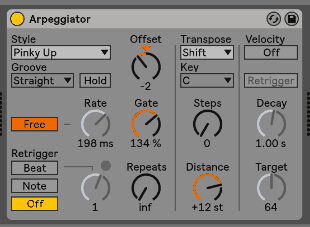
Adjust rate, gate, retrigger, steps and distance to your flavor, we recommend to set a slow rate and a long gate in the first arpeggiator. Try different swing modes to add even more groove to the rhythm. We have done it in the second one. Also, a free rate in the last one can add a very dramatic feeling to the scene. Apply modulation to this latest rate, a slow lfo would work well, sine or triangle are my favorite for slow modulations.
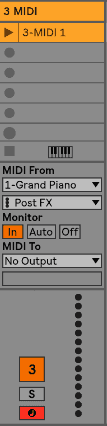
To visualize what the arpeggiators are doing, we can create a new MIDI clip and set the incoming MIDI messages from the arpeggiator channel, arm the track and press record.
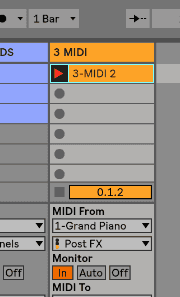
The result of stacking three arpeggiators one after the other.