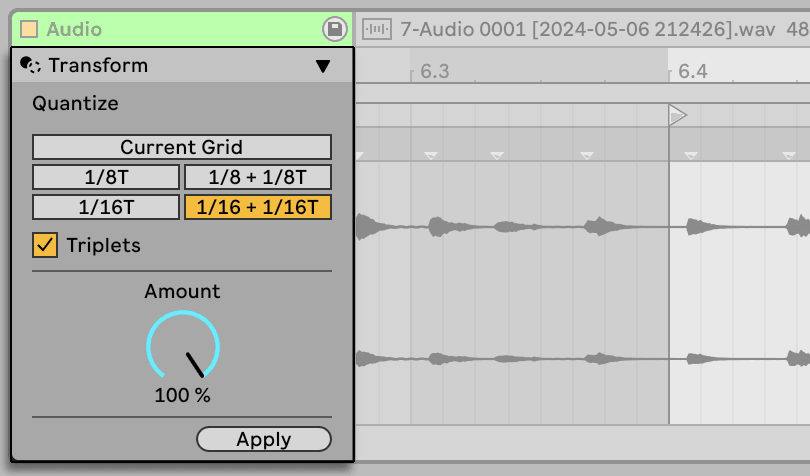
Open a MIDI clip and look at the tabs above the note editor. Generate writes notes that were not there. Transform rewrites notes that are. Between them they will get you out of most blank-clip situations, and they are non-destructive — every one has a preview you can audition before committing.
Generate: notes from nothing
- Seed produces a phrase from a scale and a set of constraints. Set the pitch range and density, hit generate until something catches, then edit it by hand. It is a starting point, not a composer.
- Rhythm builds drum patterns, including Euclidean ones — evenly spread hits across a bar. Three hits across sixteen steps gives you a pattern that appears in half the music ever made, and it takes one control.
- Stacks takes the notes you have and builds chords on them, in key.
Transform: notes into different notes
- Arpeggiate breaks chords into arpeggios, in the clip rather than as a live effect — so you can then edit individual notes, which you cannot do with the Arpeggiator device.
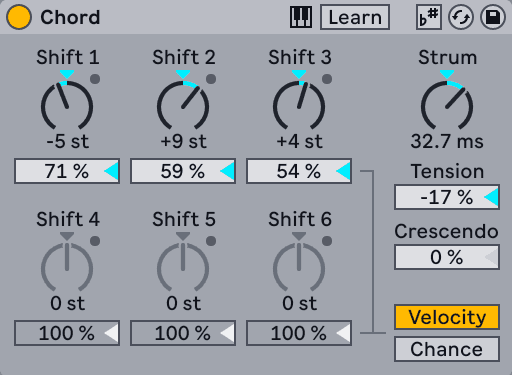
- Strum offsets the start of each note in a chord. A tiny amount is the difference between a piano chord and a guitar chord.
- Ornament adds flams and grace notes at the front of existing notes.
- Connect fills the gaps between notes with passing notes, in key.
- Recombine shuffles pitch, length or velocity between the notes you have — same material, different order.
- Articulate applies legato, tenuto or staccato to note lengths in one move.
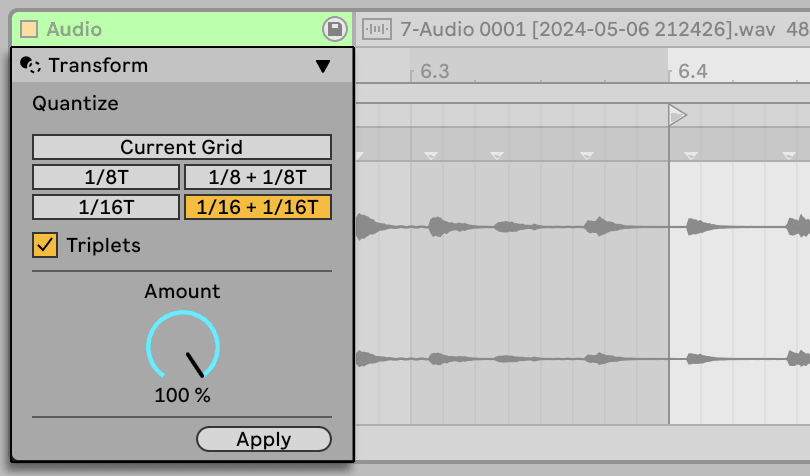
- Time Warp stretches or compresses timing along a curve you draw, which is how you get a human accelerando.
The bit that matters
These tools are at their best on something you already played badly. Record a rough four-bar idea with one finger, then Connect it, then Strum it, then Time Warp the timing off the grid. What comes out sounds played, because it was — it has just been helped.
Used the other way round, generating from nothing and shipping it untouched, they sound exactly like what they are.
Do this now
- New MIDI clip, load any piano. Play four chords badly, one bar each.
- Transform > Strum, small amount, upward direction. Listen.
- Transform > Connect to fill the gaps.
- Transform > Time Warp and pull the curve so the bar rushes slightly at the start and settles.
- Now duplicate the clip and Generate > Rhythm a Euclidean hat pattern over the top.