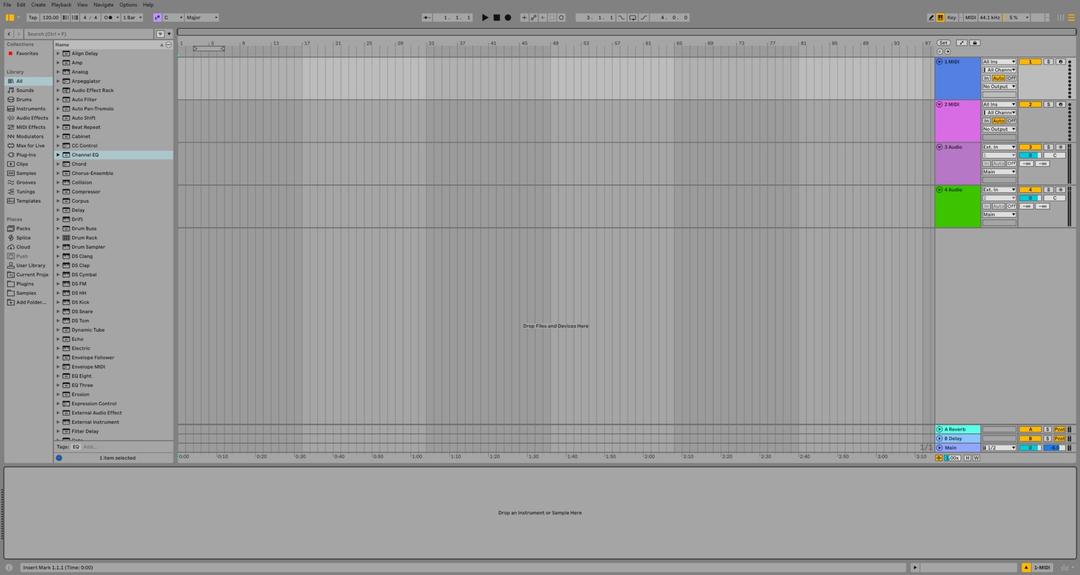
Ableton has announced Live 13, the next major version of the DAW we teach more than any other. It's due in early 2027, with no exact date yet, and a limited public beta is open now for Live Standard and Suite owners.
We've been through everything Ableton has announced. Here's what's new, which edition you need for each feature, and what it means for the way you make music.
The headline: ARA 2 support and Melodyne
The biggest change is ARA 2 support. ARA lets compatible plug-ins work directly on the audio in your Set, rather than you recording audio into the plug-in first. In practice, that means pitch and timing correction, noise reduction and other detailed audio editing, all inside Live.
Live 13 Suite includes Melodyne essential, Celemony's pitch and timing editor. For vocal producers this is huge: tuning a vocal, tightening a bass part or reshaping a melody no longer means bouncing audio back and forth.
A couple of points from Ableton's FAQ: most ARA 2 plug-ins work, but a small number have known compatibility issues, and you can use one ARA plug-in at a time, across multiple clips and tracks.
A new Step Sequencer
Live 13 adds a Step Sequencer, a new kind of clip for building MIDI patterns. Each row can have its own length and playback settings, which makes polyrhythms and slowly evolving melodies easy. You can set velocity, chance, repeat and pitch bend for each step.
If you've ever programmed drums on a hardware groovebox and missed that immediacy in Live, this is for you. It's available in every edition, including Intro.
Drum Synth
Drum Synth is a percussion instrument with more than 20 drum engines, covering classic drum-machine hits as well as physically modelled sounds. Paired with the Step Sequencer, it's a fast way to build original kits without reaching for samples.
Capture Automation
You already know Capture MIDI, which records what you just played even if you weren't recording. Capture Automation does the same for knob moves and button presses. Tweak a filter while you experiment, press Capture, and those gestures become editable automation. No more trying to recreate the perfect sweep you did by accident.
Bigger, smarter Racks
Racks get their biggest update in years:
- Up to 32 Macros per Rack, with custom mapping curves, reorderable Macros, and Macros that can act as modulators.
- Round Robin, which cycles incoming notes through a Rack's chains. It's great for natural-sounding repeated hits.
- Multiband Racks, which split audio into frequency bands so you can process each band separately.
- Mid-Side Racks, which process the centre and the sides of a stereo signal separately for control over width and tone.
Multiband and Mid-Side processing used to mean third-party plug-ins or complicated routing. Now it's a Rack.
A faster workflow in the mixer
- Device Slots show each track's devices directly in the mixer, so you can switch devices on and off, reorder and replace them, swap presets and open plug-in windows without leaving the mixer.
- Contextual Browsing lets you load devices, swap presets and build Racks and effect chains from the device chain or mixer, without opening the main Browser.
- Envelope Clips for Return tracks let you automate and modulate return-track effects and mixer settings with clips.
- Send sliders, a persistent mixer configuration menu, smoother resizing and an Unsolo button on the Main track round things off.
New devices in Suite
Live 13 Suite adds several new devices:
- Transient Shaper, for shaping attack and sustain separately.
- Clipper, for hard or soft clipping, either to control peaks or for deliberate harmonic distortion.
- Looplet, a Max for Live device with four playheads for capturing, layering and looping parts of a single sample.
- Classic Dynamics & EQ by Softube, five Max for Live effects modelled on studio hardware, including FET and optical compression, British console EQ and compression, and analogue-style drive.
The Core Library is also getting new Drum Racks, instrument presets, samples, loops and effect Racks for vocals, guitar, mixing, mastering and sound design.
Push 3 and Push 2
Push 3 gets Custom Layouts, which put Session View, note areas, XYZ and mixer controls on one page, saved with each Set. It also gets a new Step Sequencer layout, a Performance Mixer and an improved Device Mode with jog-wheel navigation and up to 32 Macros.
Push 2 gets the Step Sequencer and most of the Device Mode improvements, but not Custom Layouts, the Performance Mixer or jog-wheel navigation.
Other improvements
- Link Arrangement Sync keeps arrangement playback positions in sync across Link-enabled devices and apps.
- Better MIDI export, including tempo automation, time signature changes and more precise event timing.
And reassuringly, Ableton says everything you can do in Live 12 you can still do in Live 13.
Which edition do you need?
The Step Sequencer, Drum Synth, Capture Automation, the Rack updates, Device Slots, Contextual Browsing, Envelope Clips and ARA 2 support are in every edition. Melodyne essential, Transient Shaper, Clipper, Looplet, the Softube pack and Max for Live are Suite only.
Should you buy Live 12 now?
Ableton is offering 20% off Live 12 until Live 13's release, and anyone who buys or upgrades to Live 12 now gets the matching edition of Live 13 free on release day. If you were already planning to buy Live, there's no reason to wait. Check Ableton's store for current pricing.
Learn Live 13 with us
Our Ableton courses will cover Live 13 as soon as it's released, including ARA editing, the Step Sequencer and the new Racks. Study Ableton Live or sound design and synthesis in Ableton, online or in person at our schools around the world, or go further with the Ableton Producer programme.