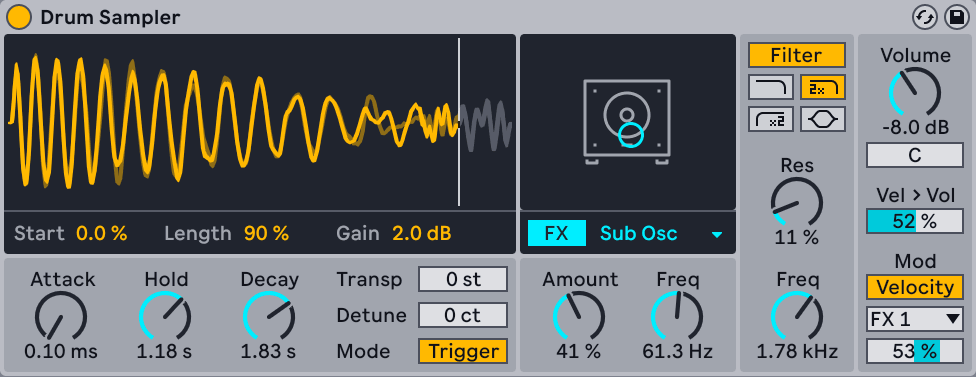
Drum Sampler is a Simpler built specifically for one drum hit. Fewer controls than Simpler, all of them the ones you actually reach for on a drum, and it sits inside a Drum Rack cell without needing anything set up.
What is in it
- Sample controls — start, length, and a Tune that re-pitches the hit.
- Playback effects — the section Simpler does not have. Drive, and a Stretch control that changes the length of the hit without changing its pitch. Stretching a snare is how you get a snare that fits the tempo rather than one that sounds sampled.
- Filter — one filter, the right one.
- Global — volume, pan, and the envelope.
The two settings worth knowing
Envelope scaling with MIDI notes. Turn on Enable Pitch > Env in the title bar context menu and the envelope timing follows the re-pitching, so the same portion of the sample plays whatever note you hit. Without it, pitching a hit down makes it longer and the envelope cuts it in the wrong place.
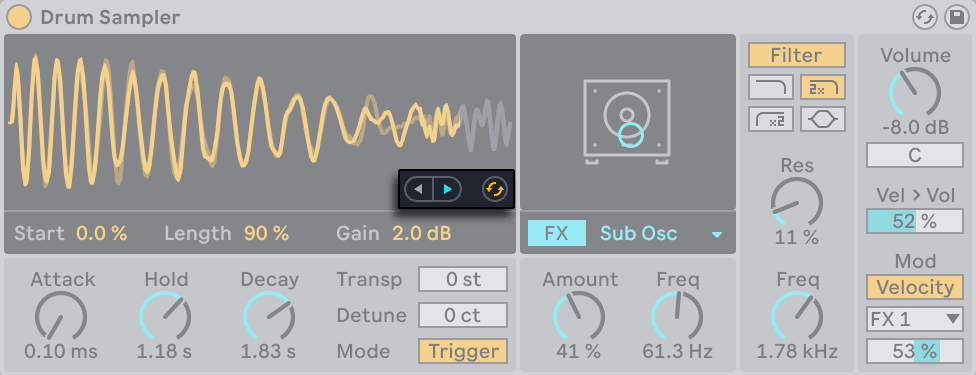
Hold at Inf. In Trigger mode, set Hold to Inf and the sample plays its full length regardless of how long the note is. That is what you want for one-shots and almost never what you want for anything else.
Drum Sampler or Simpler?
Use Drum Sampler for a single hit in a Drum Rack cell — it is faster and the controls are the drum ones. Use Simpler when you need slicing, warping, or to play a sample chromatically across the keyboard.
You can convert between them: right-click a Simpler and convert to Drum Sampler, and the sample start and end markers come with it.
Do this now
- Drop a kick into a Drum Rack cell — it loads as Drum Sampler.
- Tune it down three semitones. Notice it also got longer.
- Turn on Enable Pitch > Env and do it again. Same length, lower pitch.
- Use Stretch to shorten it until it stops ringing into the next hit.
- Add Drive until it fights back.