Every producer hits this. The set starts crackling, and the instinct is to buy a faster computer. Usually the fix is one of three things.
Read the meter first
Live's CPU meter shows the load on the audio engine, not on your computer. It is normal for Activity Monitor to show one core pinned while Live shows 40% — audio runs in a real-time thread and it either keeps up or it does not. Judge by Live's meter and by whether you hear crackles.
There is a separate disk overload indicator. If that is what is lighting up, the problem is streaming samples off the drive, not processing them — a completely different fix.
The three moves
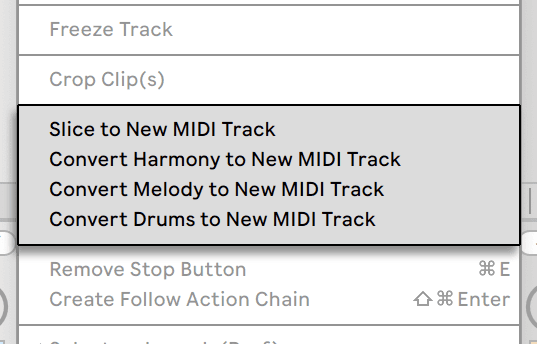
- Freeze the track. Right-click the track header and Freeze. Live renders it to audio and stops calculating its devices, while leaving everything editable — unfreeze and your devices are exactly as they were. This is the first thing to try and it usually ends the conversation.
- Flatten what is finished. Freeze then Flatten turns the track into plain audio permanently. Do this to anything you know you will not revisit.
- Raise the buffer size. In Settings > Audio. A larger buffer costs you latency, which matters while recording and does not matter at all while mixing. Track at 128 samples, mix at 512.
What is expensive
- Reverbs and convolution, by a distance. One reverb on a return serving twelve tracks costs a twelfth of twelve reverbs.
- Spectral devices — Spectral Resonator and Spectral Time are worth their cost and should be frozen once set.
- High voice counts. A pad with 32 voices of unison is doing 32 times the work. Check the polyphony setting on every synth in a heavy set.
- Hi-Quality mode on warped clips, and Complex Pro warp mode. Excellent, and expensive. Use them on the parts that need them, not everywhere.
- Sample streaming off a slow or nearly full drive. Enable RAM mode on the clips that stutter, or move the project to a faster disk.
The habit worth building
Freeze as you go. A track you finished an hour ago does not need to be recalculated 44,100 times a second for the rest of the session. Producers who never hit CPU problems are not using lighter plug-ins — they are freezing.